


FROM THE CREATOR OF KIT OPS & DESIGN-MAGICIAN

Documentation Deserves Better Tools.
The FREE Markdown editor
for Windows, Mac and Linux
Fix what Google Docs breaks when exporting Markdown.
The Hidden Problem
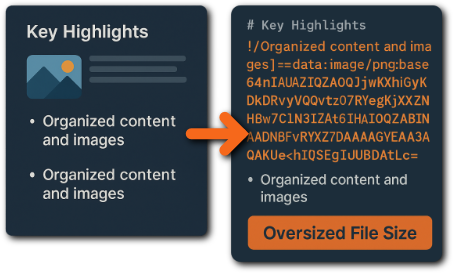
What Google Docs Really Exports
- Bloated, oversized Markdown files
- Uneditable, unmanageable images
The Result
A Lightweight, Editable, Publish-Ready Document
MD DOCS Fix
MD DOCS Cleans Everything Automatically.
- Base64 blobs dissolve or collapse
- Real images appear inside a tidy _images folder
- Markdown links rewrite into clean, readable form
- Chaotic Markdown becomes orderly and lightweight
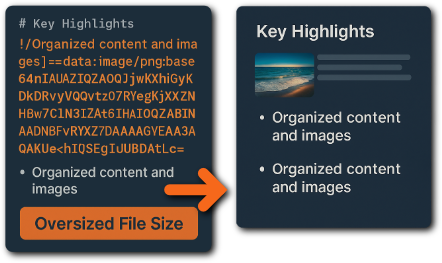
- Clean Markdown displayed in MD DOCS
- _images folder visible in sidebar
- Preview panel shows correct images
- Dramatic file size reduction (e.g., 3 MB → 112 K
Stop fighting Google’s export quirks. MD DOCS gives you clean, structured Markdown in a single step.
Instant Live Preview +
Theme Switching
See your documentation exactly as it will look.
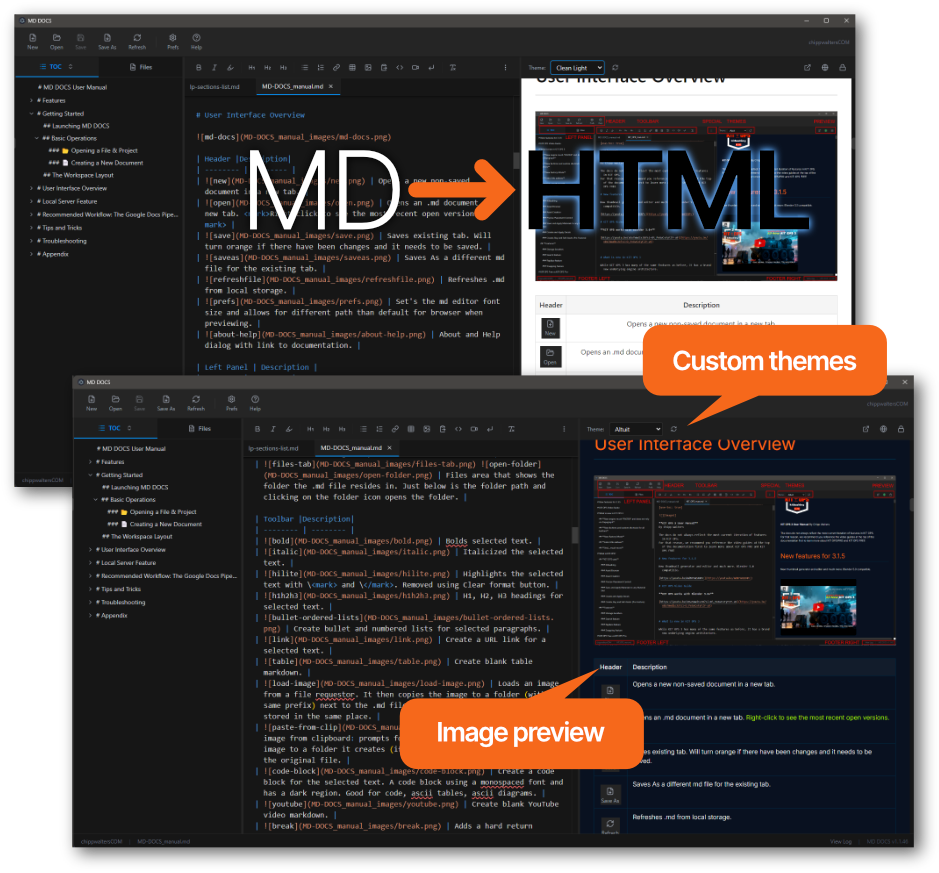
MD Docs gives you a real-time preview that always matches your Final HTML output: - spacing, typography, tables, media, and structure included.
No build tools. No setup. Full control over your documentation.
Your docs can finally show —
not just tell.
MD Docs handles real documentation, not just plain text. Add images, tables, screenshots, lists, icons, and YouTube videos - and everything stays organized, readable, and perfectly formatted in both.
Images are auto-saved into a clean folder structure, advanced tables render correctly, and YouTube thumbnails display exactly as they will in your final HTML.
Your media works. Your layout stays clean. Your output is always professional.
A real workspace
for real documentation.
Documentation rarely lives in a single file.
MD-Doc gives you a clean, structured workspace
built for multi-file projects.
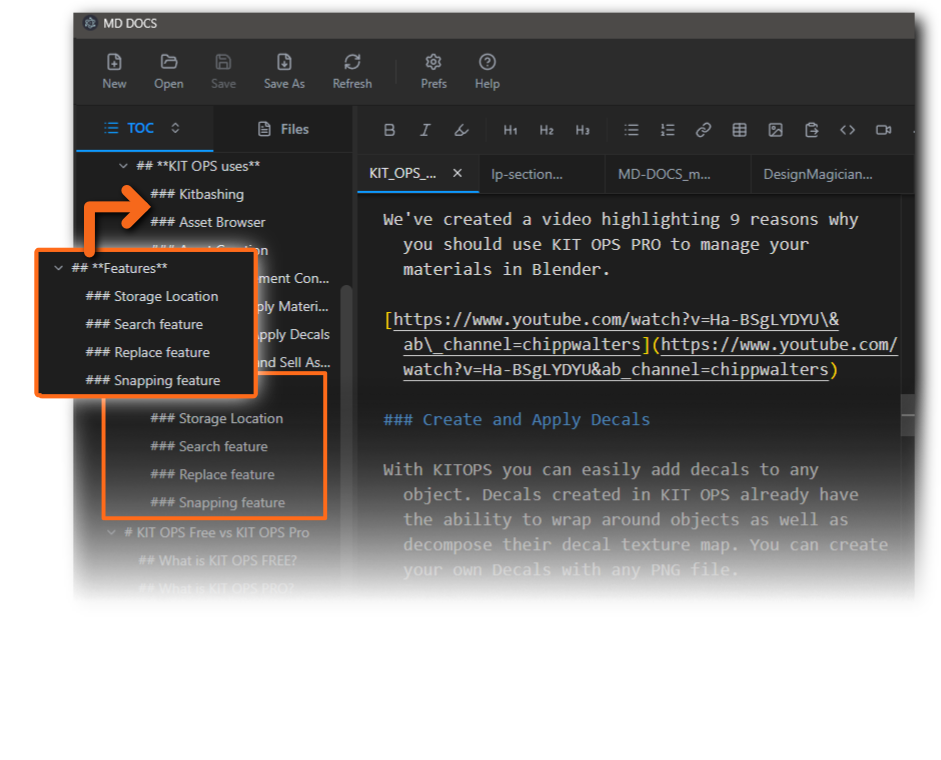
Work fluidly with a filed sidebar that mirrors your folder, tabbed editing for quick switching, a full table of contents panel you can use to drag/drop and reorder sections for long documents, and synchronized preview for every file you open.
It's fast. It's organized. It makes large documentation projects feel simple.
AI-Generated Markdown,
shaped by you.
AI writes the text. You control the structure.
AI Writes in Markdown.
MD DOCS Makes It Usable.
Markdown has become the preferred export format for AI conversations, documentation drafts, explanations, reviews, and research notes. MD DOCS gives you a clean, focused place to read, organize, and keep all of that AI-generated Markdown usable and accessible.
Paste Anything. Get Clean Markdown.
Turn copied content into real Markdown instantly.
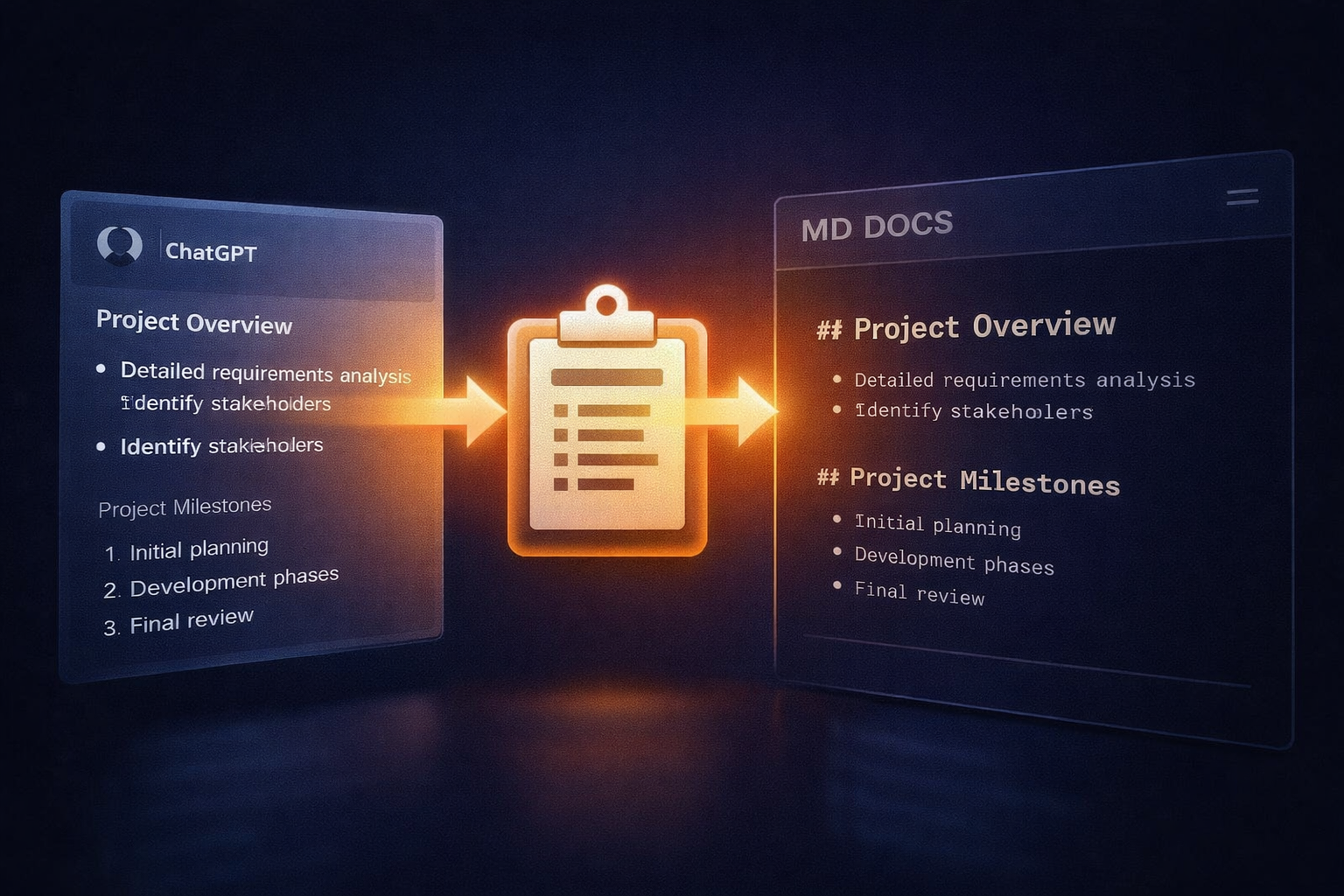
Turn copied content into real Markdown instantly.
MD DOCS now converts clipboard content directly into clean, readable Markdown the moment you paste it. Copy text from almost anywhere — and it just works.
Whether the source is:
- HTML content from a website
- Rich text (RTF) from documents or notes
- Google Docs exports
- Plain text
- AI-generated content from ChatGPT, Grok, Gemini, or other tools
MD DOCS intelligently converts it into proper Markdown syntax — headings, lists, emphasis, and structure intact.
No cleanup steps. No reformatting. No manual fixes.
MD DOCS removes friction from getting content into Markdown — no matter where it comes from.
Instant HTML publishing
anywhere — instantly.
Path 1: Static HTML Publishing
Export → Upload → Done.
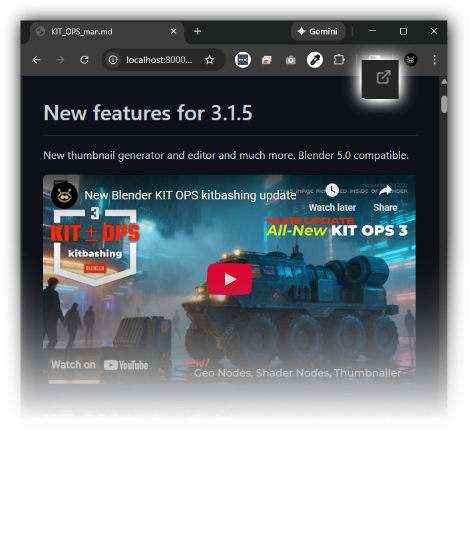
- Correct images
- YouTube playback
- Expandable TOC
- Clean layout
- Full theme styling
If you can upload a file, you can publish your page.
Clean, themed HTML that looks exactly like your preview.
Path 2: Live Markdown Publishing
Turn any Markdown file into a live web page.
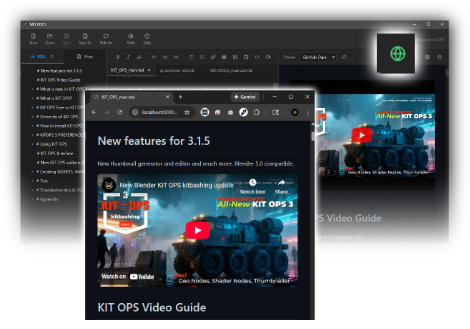
For websites where you want Markdown content to stay editable and always up to date, MD DOCS includes small HTML/JavaScript renderer files.
Upload:
- yourfile.md
- One of the included renderer files (like altuit-render.html)
Edit your Markdown → Save
Your website updates automatically.
Two publishing paths. Zero complexity.
One documentation system that never gets in your way.
Two publishing paths. Zero complexity.
One documentation system that never gets in your way.
Create Diagrams with Mermaid
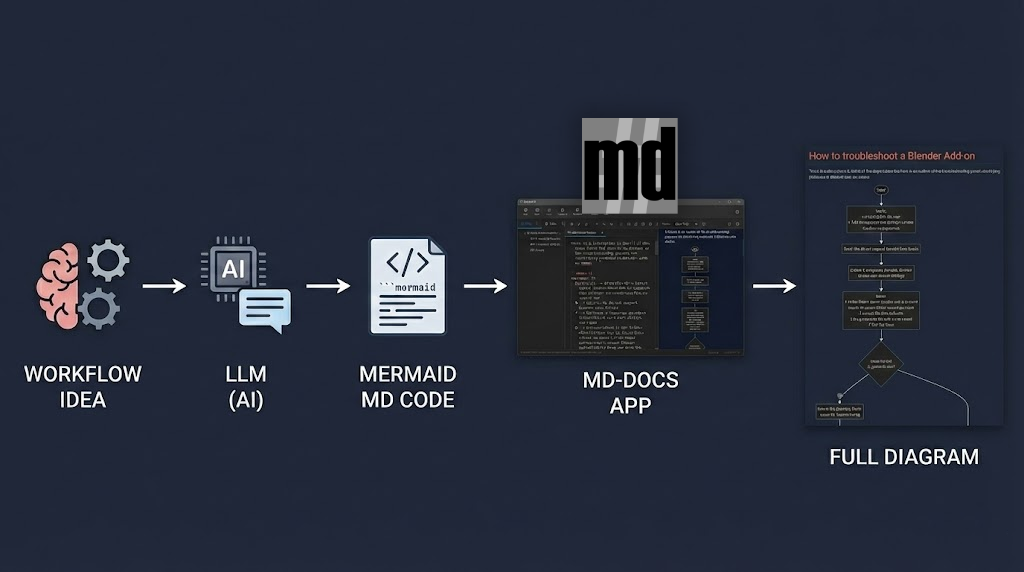
Fast-Track Your Flowcharts.
Creating flowcharts used to take hours. Now, it takes prompts. Here is the modern stack for documentation:
The Idea: You know the workflow. Just write it down. The Engine: Feed your logic to an LLM to generate standard Mermaid syntax. Paste into MD-DOCS for an instant, professional diagram.
See how smooth documentation can be.
You’ve seen how MD DOCS cleans messy exports, keeps themes consistent, handles media, manages multi-file projects, and publishes without a build system.
Now it’s time to put it to work on your own docs.
- Clean up your existing Google Docs exports
- Build a new manual or product guide from scratch
- Hook it into your site with live Markdown rendering
Edit Markdown. Save.
Ship better documentation.
No subscriptions. No build pipeline. Just a faster, lower-maintenance way to keep your docs up to date.