Does an AI upscaler improve AI-generated video?
A measured bake-off of nine upscaling routes on synthetic 720p footage
Short answer: no. On clean AI-generated video, a plain Lanczos resize beat every AI upscaler tested — including two paid Topaz models and a local diffusion restorer that took 69 minutes to make a 60-second film worse.
Summary
Lanczos preserves the exact temporal behaviour of every source frame. It cannot introduce frame-to-frame model decisions, sharpening halos, invented texture, or temporal “corrections.” A generative upscaler can produce a sharper single frame while making the sequence less believable — and the sequence is what an audience watches.
Photorealistic footage is a trap for restoration models. A real camera produces motion blur, defocus, shallow depth of field, lens softness, and detail that falls away during movement. Nothing in a real shot is uniformly sharp. A model trained to restore detail reads those properties as missing information and repairs them — scoring better on a frozen frame while looking less like something a camera captured. Realism depends more on consistent imperfect detail than on maximum apparent detail.
Temporal processing does not solve this. It can make an invented detail consistent across frames, but that only propagates a wrong interpretation smoothly instead of noisily.
Three different goals, three different answers:
| Goal | Method |
|---|---|
| Present the video unchanged, at a larger size | Lanczos |
| Add modest, stable enhancement | Conservative CNN — Topaz Proteus or Gaia CG, Real-ESRGAN |
| Reconstruct detail that is genuinely absent | Diffusion — SeedVR2, FlashVSR, Topaz Starlight |
This footage sat firmly in the first category. Lanczos is not failing to restore anything — it is correctly refusing to alter the evidence.
What the measurements found. Flicker, against the Lanczos floor: SeedVR2 7B 3.33×, SeedVR2 3B 2.79×, Real-ESRGAN 1.57×, Topaz Proteus 1.28×, Topaz Gaia CG 1.10×. The models that added the most apparent detail were the least stable in motion. Rendering at 4K and downsampling brought every model back to roughly the noise floor — the one AI route worth considering, if you need one.
How to judge this yourself. Do not compare paused frames. Watch 5–10 seconds of the same shot at normal speed, look away occasionally, and ask “which version looks most like a real camera captured this scene?” — not “which frame has more detail?” Those two questions have different answers, and only the first one matters.
Caveat worth keeping: this is one shot, photoreal and softly graded. On stylised material — anime, motion graphics, illustration — invented detail reads as style rather than as a lie, and the trade-off may well go the other way.
What follows is what was tested, how it was measured, and where the measurement itself falls down.
The source
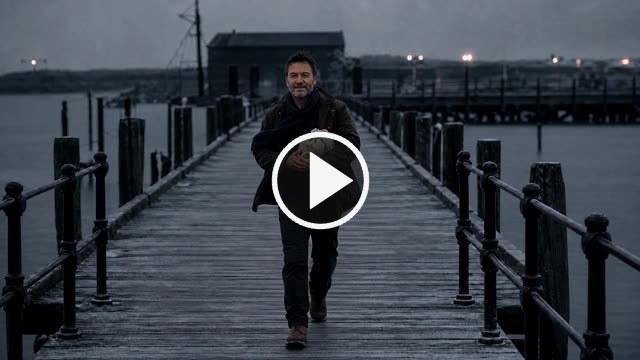
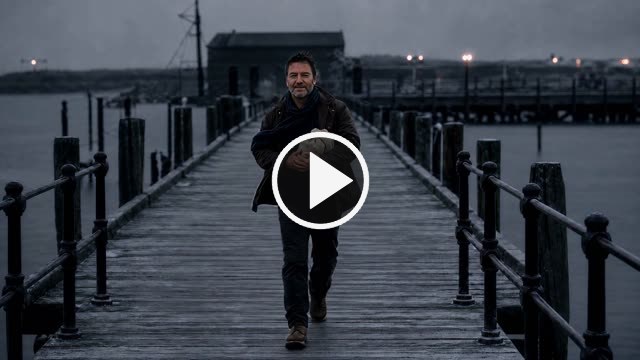
A 10-second cut from a short film: a man walking up a wooden pier at dusk. Generated with Grok Imagine — 1280×720, 24 fps, 240 frames, graded dark and soft on purpose.
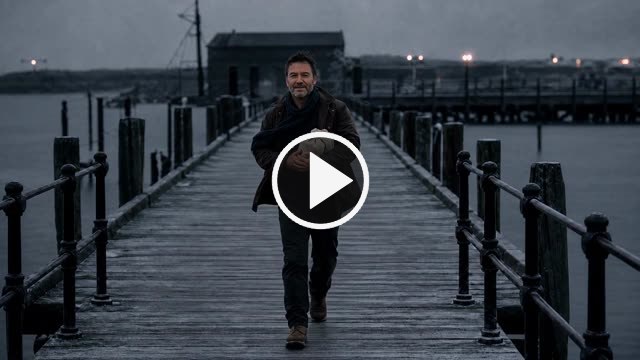
▶ The untouched 720p source. Click to play in a new tab.
That “clean” matters more than anything else here. This footage has no compression damage, no sensor noise, and very little real high-frequency detail. It is the opposite of the case restoration models are built and marketed for. A model trained to undo damage, handed material with no damage in it, does not restore — it invents.
The cut contains two shots. Frames 0–158 are the pier; a dissolve runs
frames 159–166 (6.62–6.92 s); frames 167–239 are an interior. ffmpeg’s
select='gt(scene,N)' reports nothing here, because a dissolve raises the
frame-to-frame difference gently instead of spiking it — it only showed up when
the per-frame difference was plotted directly.
That is worth stating precisely, because it decides which numbers are safe:
- The measurements below use frames 116–123 — comfortably inside the pier shot. The static patch really is static there, so the flicker figures hold.
- The eight single-frame comparisons further down are frame 211, which is in the interior shot, not on the pier. They are a fair like-for-like between routes, but they are not showing the decking the numbers describe.
The nine routes
| Route | Where it runs |
|---|---|
| Lanczos | ffmpeg, instant |
| Real-ESRGAN x4plus | local GPU |
| SeedVR2 3B → 1080p | local GPU (diffusion) |
| SeedVR2 7B → 1080p | local GPU (diffusion) |
| SeedVR2 → 4K → 1080p | local GPU (supersampled) |
| Topaz Proteus → 1080p | cloud API |
| Topaz Gaia CG → 1080p | cloud API |
| Topaz Proteus → 4K → 1080p | cloud API (supersampled) |
| Topaz Gaia CG → 4K → 1080p | cloud API (supersampled) |
Hardware: RTX 5090, 32 GB.
How it was measured
Two numbers, from a 420×300 patch of decking with no walking figure in it. The shot is locked off, so in that patch:
- Sharpness — Laplacian variance. How much high-frequency energy is present.
- Flicker — mean absolute frame-to-frame change. In a static region of a locked shot, anything that changes was invented by the upscaler.
Lanczos cannot invent anything, so its numbers are the noise floor everything else is judged against.
Results
| Route | Sharpness ×Lanczos | Flicker ×Lanczos | Added detail | Time (240 frames) | Cost |
|---|---|---|---|---|---|
| Lanczos | 1.00× | 1.00× (floor) | 0.00 | instant | free |
| SeedVR2 7B | 5.54× | 3.33× | 9.31 | 13.6 min | free (local) |
| SeedVR2 3B | 2.84× | 2.79× | 8.08 | 11.5 min | free (local) |
| Real-ESRGAN | 4.33× | 1.57× | 6.13 | 2.9 min | free (local) |
| Topaz Proteus | 2.18× | 1.28× | 2.75 | 56 s | $0.10 |
| Topaz Gaia CG | 1.28× | 1.10× | 2.26 | 30 s | $0.10 |
| Topaz Proteus via 4K | 1.60× | 1.05× | 3.22 | 88 s | $0.10 |
| Topaz Gaia CG via 4K | 1.42× | 1.05× | 2.54 | 96 s | $0.10 |
| SeedVR2 via 4K | 1.57× | 1.04× | 3.30 | 33.8 min | free (local) |
Five things the numbers show
1. Diffusion restorers were the worst option, by a wide margin. SeedVR2 7B added 5.5× the high-frequency energy of Lanczos and re-invented a third of it every frame. Watched as video, that reads as heavy unsharp-mask crunch that boils continuously.
2. Bigger is not gentler. The 7B model measured worse than the 3B on both axes. Reaching for the larger model to reduce artifacts made them stronger.
3. Deterministic beats generative for stability. Real-ESRGAN adds nearly as much sharpness as 7B (4.33×) but only 1.57× the flicker — because the same input frame always produces the same output, so its invented detail at least sits still. Diffusion models sample fresh each batch, so theirs boils.
4. Conservative CNN models behaved far better than any diffusion model. Gaia CG landed at 1.10× flicker, Proteus at 1.28×.
5. Supersampling fixes flicker. Rendering at 4K and downsampling to 1080p dropped flicker to the noise floor for every model — SeedVR2 from 2.79/3.33× to 1.04× — and for the Topaz models it raised sharpness at the same time. Proteus via 4K was the best-measured route: 1.60× the detail at 1.05× flicker.
And none of it mattered. Watched in motion at delivery size, the gap between plain Lanczos and the best paid route was not worth the money, the round trip, or the GPU hours.
Look at it moving
Stills are the wrong tool for this (see below), so start here.
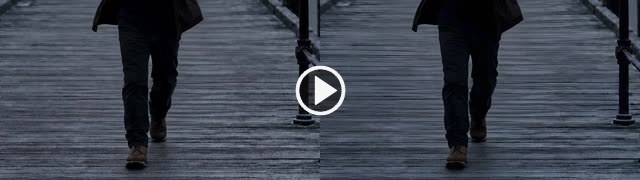
▶ Lanczos (left) vs Real-ESRGAN (right) — 1:1 crop, no scaling.
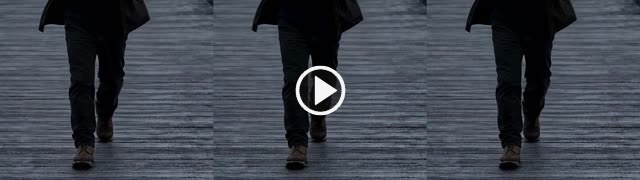
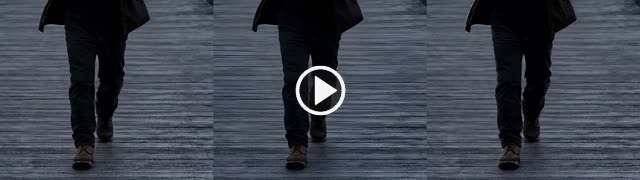
▶ Lanczos | Topaz Proteus | Topaz Gaia CG — the comparison that decided it.
What each upscaler invented
These show only the difference between the upscaled frame and the Lanczos frame, amplified 10×. Black means “added nothing.” This isolates the invention from the picture — and makes the flicker impossible to miss.
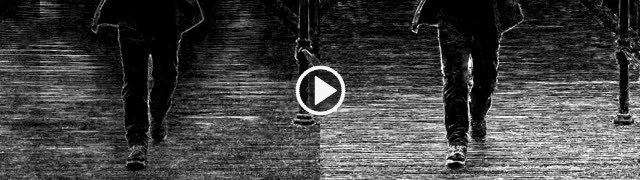
▶ Real-ESRGAN (left) vs SeedVR2 7B (right), invention only. The right side boils.
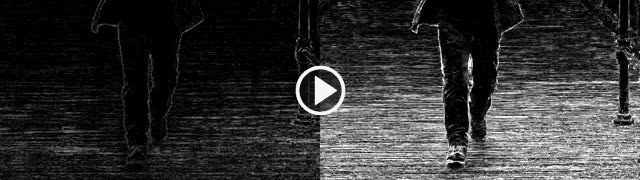
▶ Topaz Proteus (left) vs SeedVR2 7B (right), invention only.
The same frame, eight ways
Frame 211 (00:08.8) from each route — this is the interior shot that follows the dissolve, not the pier. Click any figure for the full-resolution original.
 Source, 720p |
 Lanczos → 1080p |
 Topaz Gaia CG → 1080p |
 Topaz Proteus → 1080p |
 Proteus 4K → 1080p |
 Gaia CG 4K → 1080p |
 Proteus, native 4K |
 Gaia CG, native 4K |
Crop grids at 1:1
 Top-left Lanczos, top-right Real-ESRGAN, bottom-left SeedVR2 3B,
bottom-right SeedVR2 7B. Brightness lifted for inspection — this is not how
the shot looks. Note the hard horizontal striations the SeedVR2 panels put into
the decking.
(true-levels version)
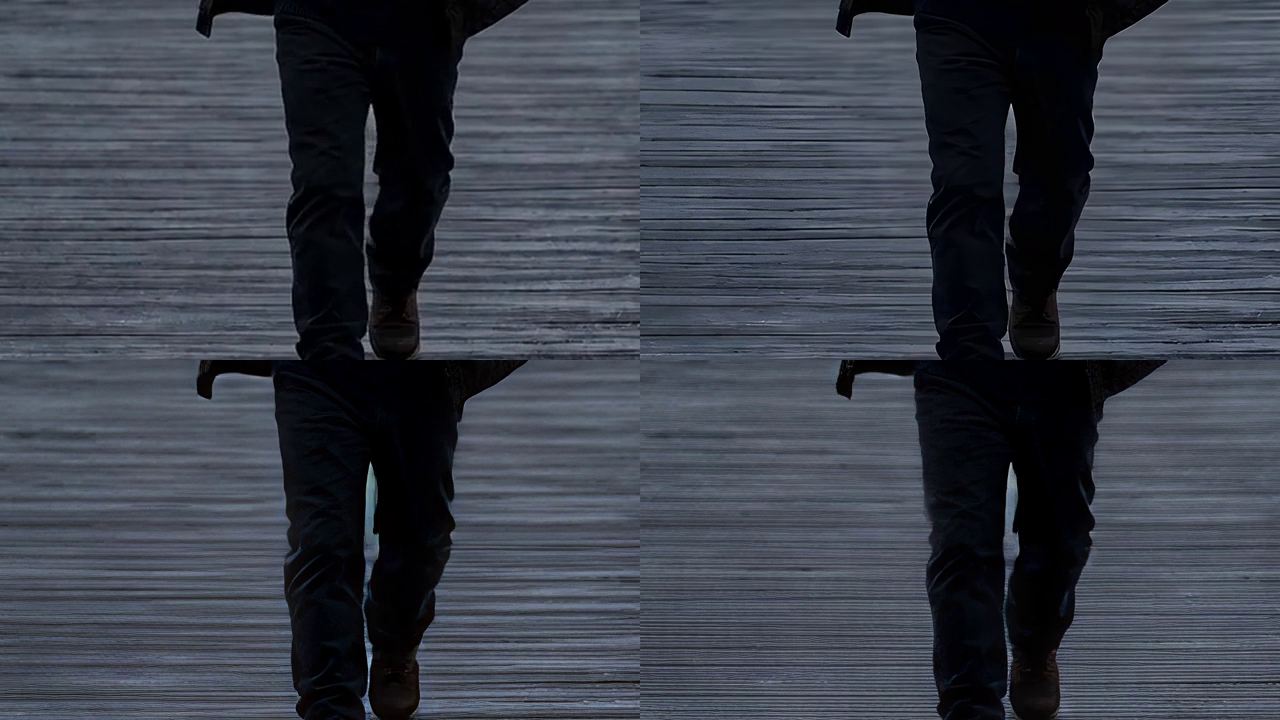
 Left to right: Lanczos · Real-ESRGAN · SeedVR2 3B · SeedVR2 7B · SeedVR2 via 4K.
(true-levels version)

The methodological lesson
Judge video in motion. Never from a still.
Every quality judgement made from a frozen frame during this bake-off was wrong:
- The SeedVR2 4K-supersampled route looked best of all as a still. Watched as video, it was rejected on sight.
- SeedVR2 7B read as “marginally less aggressive” than 3B in a still. Measured, it was worse on both sharpening and flicker.
A still frame rewards whichever model invents the most detail, and is completely blind to the one artifact that decides whether a shot is usable. Flicker only exists in motion.
Where this measurement falls down
The static-patch metric has a blind spot worth stating plainly, because it produced a result that contradicts the human verdict.
The patch is a piece of decking with no figure in it. It catches invented texture crawling on flat surfaces. It is blind to everything happening on the subject — warping on the coat, edges swimming around the legs, features shifting. On a shot whose subject is a man walking, that is a large omission.
Concretely: the table ranks SeedVR2-via-4K as the most stable route of all, and a human watched that exact file and rejected it. The number is not wrong; it is answering a narrower question than the eye is. Background stability is not picture quality. A fuller comparison would measure a window that tracks the subject as well.
Practical notes for anyone running SeedVR2 locally
Two limits found by measurement, both contradicting the guidance in the docs.
Batch size has a hard ceiling far below what the arithmetic suggests.
SeedVR2’s latents pack 4 frames, so batch size must follow 4n+1 (1, 5, 9, 13…),
and the documentation suggests matching batch size to shot length. On a 32 GB
card at 1080p, --batch_size 21 fits — 31,715 MiB used of 32,607, 892 MiB
free — and then collapses. VAE decode went from ~5 seconds per batch at batch 5
to 13 minutes per batch at 21. Five hours in, it had finished one chunk of
three. Batch 5 was the stable operating point.
720p → 4K needs VAE tiling on 32 GB. Without it, the run OOMs — in the VAE decode, not the transformer, so block-swapping does not help. With tiling: 33.8 minutes for 240 frames.
Practical notes on the Topaz API
Topaz’s models are available per-second through third-party API resellers, with no subscription — which is worth knowing before paying $299/year for the desktop app. Measured cost: $0.10 per 10 seconds of output at any resolution. 1080p and 4K cost the same, despite published rate cards claiming resolution tiers.
Model selection lives in preset, by Topaz’s internal codes:
| Code | Model | Code | Model | |
|---|---|---|---|---|
prob-4 |
Proteus | nyx-3 nxf-1 nxl-1 nxhf-1 |
Nyx family | |
gcg-5 |
Gaia CG | ahq-12 amq-13 alq-13 alqs-2 amqs-2 aaa-9 |
Artemis family | |
ghq-5 |
Gaia HQ | thd-3 thf-4 thm-2 |
Theia | |
rhea-1 |
Rhea | dtv-4 dtd-4 dtds-2 dtvs-2 ddv-3 |
Dione | |
iris-2 iris-3 |
Iris | color-1 |
Color |
No Starlight — that is Topaz’s cloud-diffusion tier, kept behind their own subscription.
Total spend for this entire bake-off: $0.40.
Conclusion
For AI-generated source, use a plain resize. It is instant, free, and invents nothing — so it cannot flicker, cannot crawl, and cannot rewrite a face.
Reach for an AI upscaler when the source is genuinely degraded real footage, which is the job these models were built for. Then:
- Prefer a conservative CNN (Topaz Proteus or Gaia CG, or Real-ESRGAN) over a diffusion restorer, unless there is real damage to undo.
- If you use one, render at 4K and downsample — it dropped flicker to the noise floor for every model tested and cost nothing extra through an API.
- Test on 5–10 seconds and watch it move before committing a whole film.
The most expensive route tested produced the worst picture. The cheapest produced the best. That is not a general law of upscaling — it is what happens when you point a restoration tool at material with nothing to restore.
All files
Click any thumbnail to play that clip in a new tab. All are the same 240 frames.
| Clip | What it is | Output | |
|---|---|---|---|
|
Source | The untouched Grok render everything else was made from | 1280×720 |
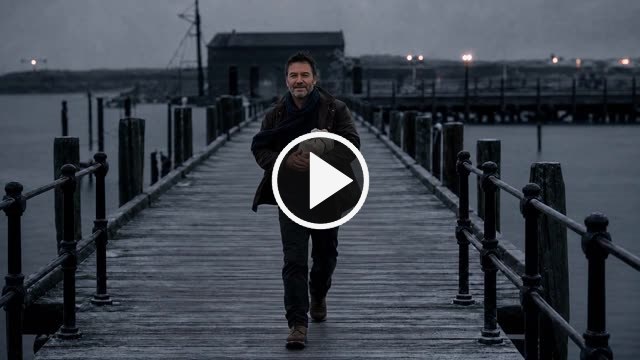 |
Lanczos | Plain resize. Invents nothing. The winner. | 1920×1080 |
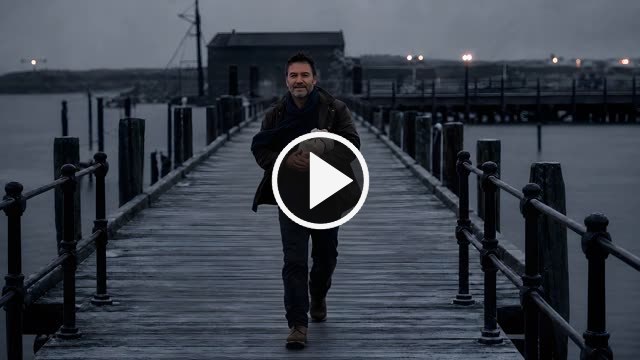 |
Real-ESRGAN | 4× per frame, deterministic. 1.57× flicker | 1920×1080 |
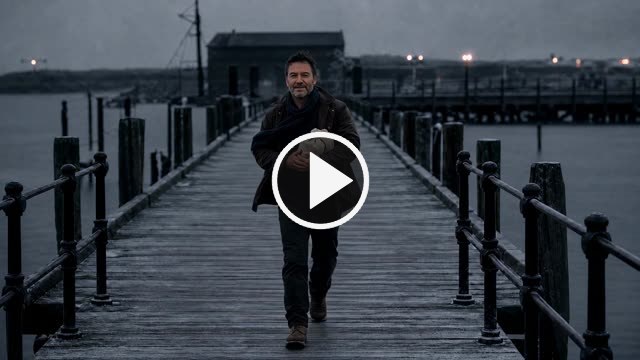 |
Topaz Proteus | Cloud CNN. 1.28× flicker, 56 s, $0.10 | 1920×1080 |
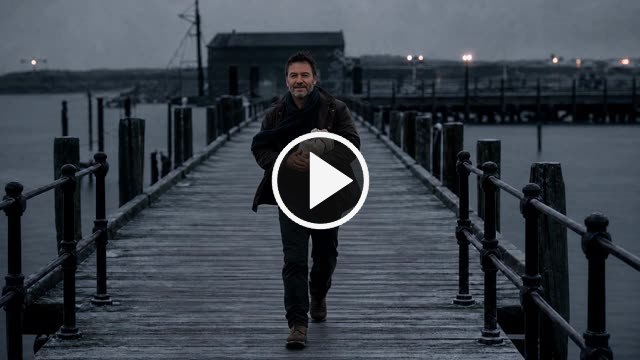 |
Topaz Gaia CG | Cloud CNN for clean CG. 1.10× flicker, 30 s | 1920×1080 |
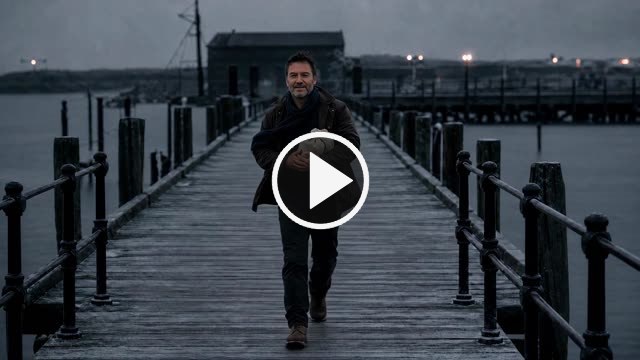 |
Proteus via 4K | Supersampled. Best measured: 1.60× detail, 1.05× flicker | 1920×1080 |
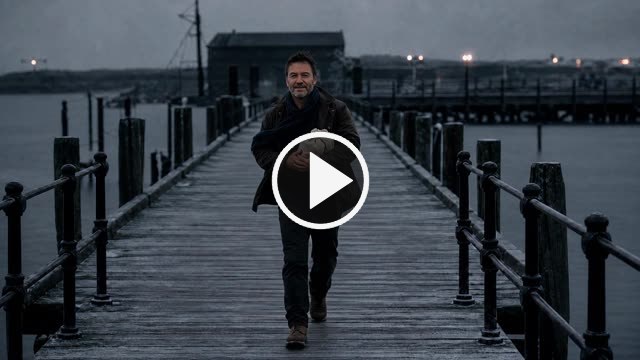 |
Gaia CG via 4K | Supersampled. 1.42× detail, 1.05× flicker | 1920×1080 |
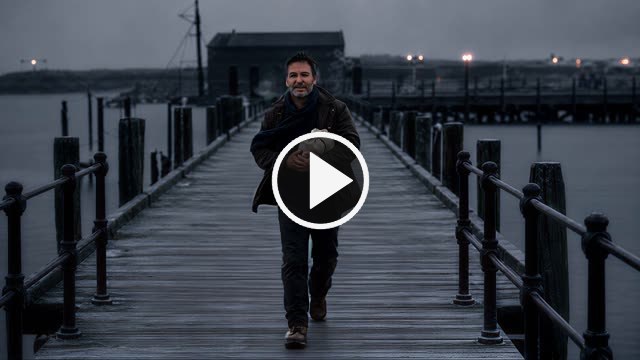 |
SeedVR2 3B | Local diffusion. 2.79× flicker, 11.5 min | 1920×1080 |
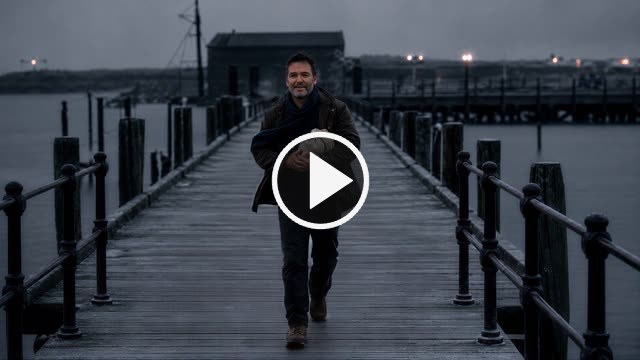 |
SeedVR2 7B | Local diffusion. Worst tested — 3.33× flicker | 1920×1080 |
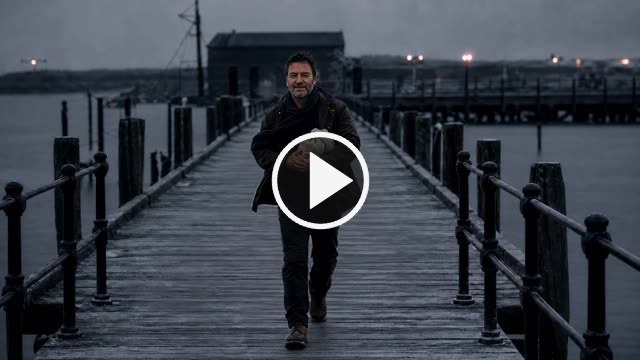 |
SeedVR2 via 4K | Supersampled. Measures best, rejected on sight | 1920×1080 |
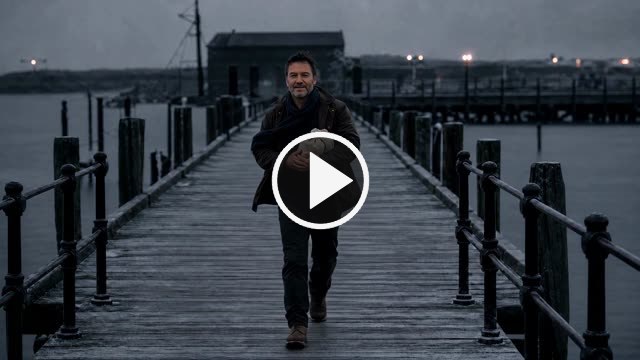 |
Proteus, native 4K | The master the downsample came from | 3840×2160 |
 |
Gaia CG, native 4K | The master the downsample came from | 3840×2160 |
 |
SeedVR2, native 4K | 33.8 min, needed VAE tiling to fit at all | 3840×2160 |
Side-by-side comparisons
| Clip | What it shows | |
|---|---|---|
|
Lanczos vs Real-ESRGAN | 1:1 crop, no scaling |
|
Lanczos / Proteus / Gaia CG | The comparison that decided it |
 |
Lanczos / ESRGAN / SeedVR2-4K | Three-up |
Residuals — what each upscaler invented, amplified 10×
Black means “added nothing.” This isolates the invention from the picture.
| Clip | What it shows | |
|---|---|---|
|
ESRGAN vs SeedVR2 7B | Left sits still; right boils |
|
Proteus vs SeedVR2 7B | Same contrast, conservative CNN vs diffusion |
 |
Real-ESRGAN alone | Invention only |
 |
Topaz Proteus alone | Invention only |
 |
SeedVR2 7B alone | Invention only |
From an earlier test on a different shot
These three come from a first pass on an interior shot, before the pier was chosen as the harder test. Kept for completeness; not part of the results above.
| Clip | What it is | |
|---|---|---|
 |
Source | Interior cut, 1280×720 |
 |
Lanczos | 1920×1080 |
 |
Real-ESRGAN | 1920×1080 |