KIT OPS
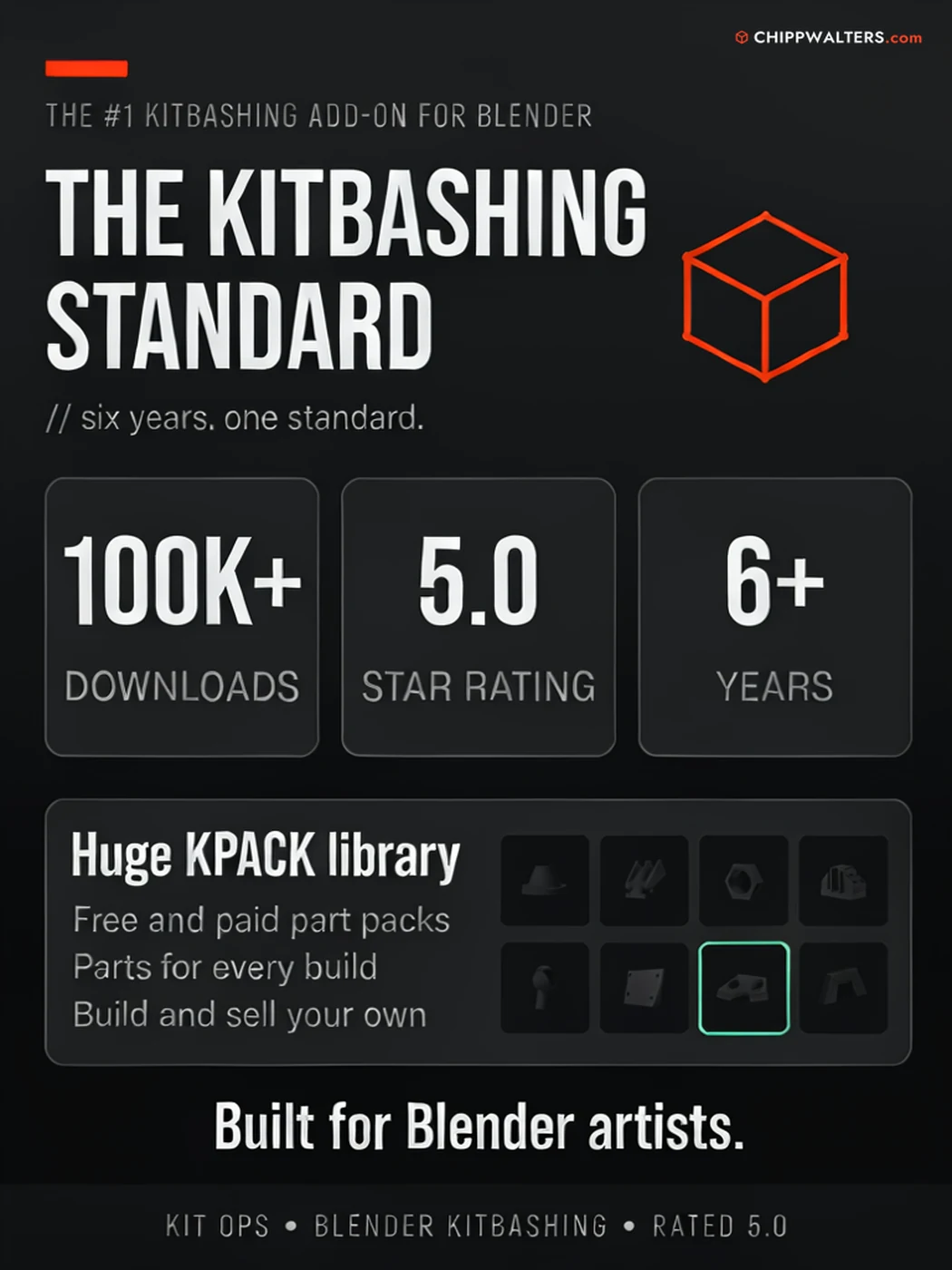
The world's #1 kitbashing tool for Blender — trusted through 100,000+ downloads, a 5-star user rating, and six years of production use.
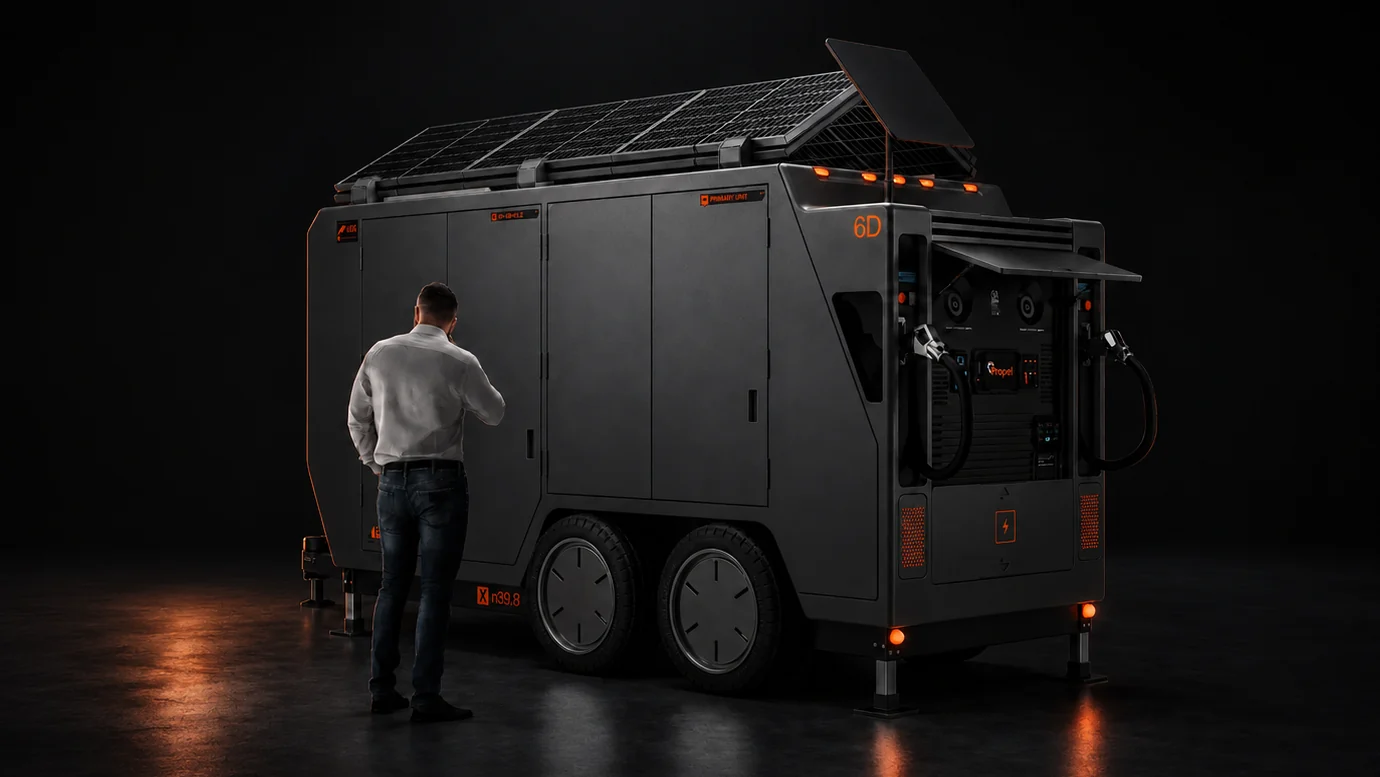
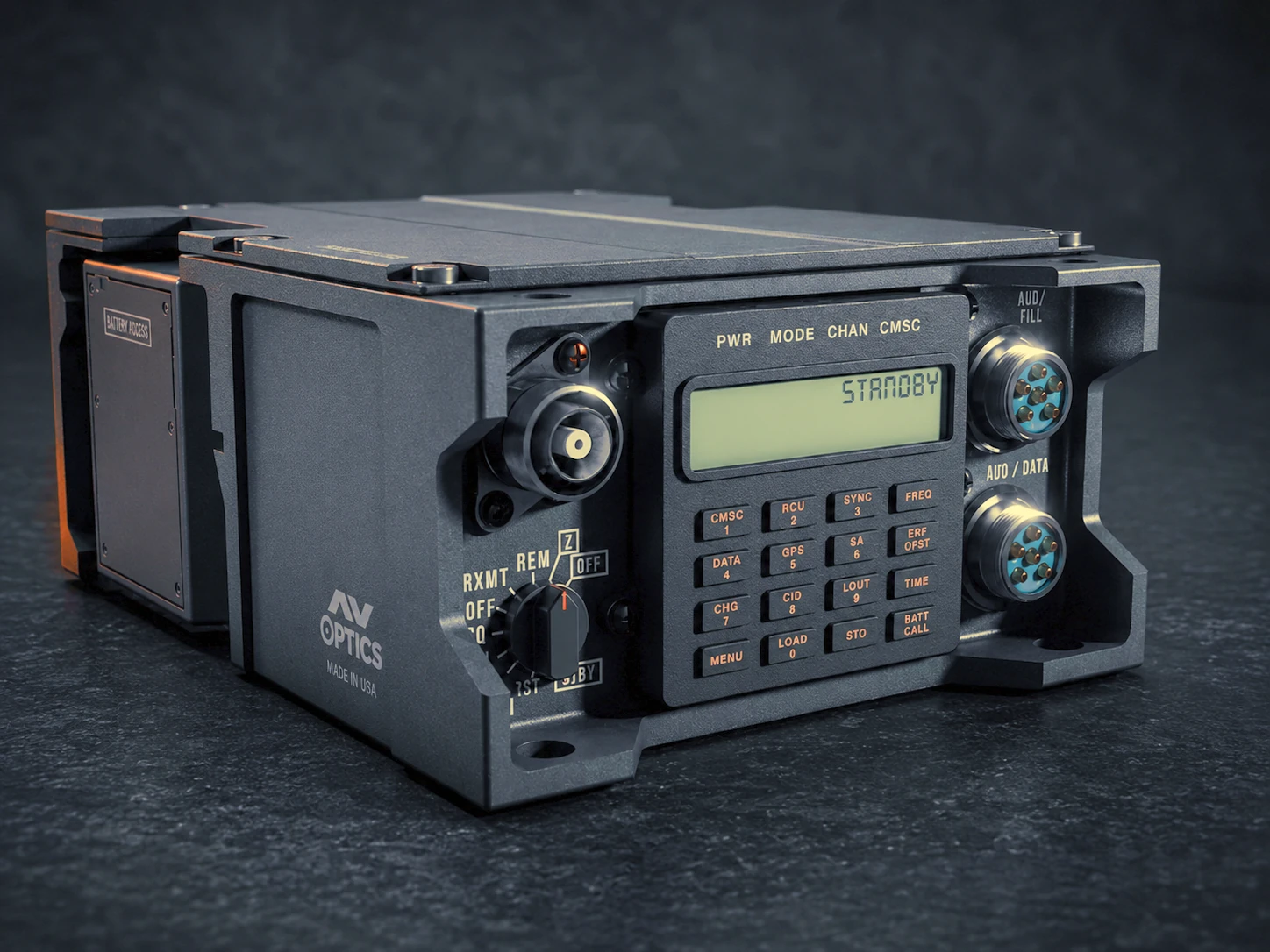
// propel mobile charging station — designed, detailed, and presented in blender with kit ops
Built where details matter.
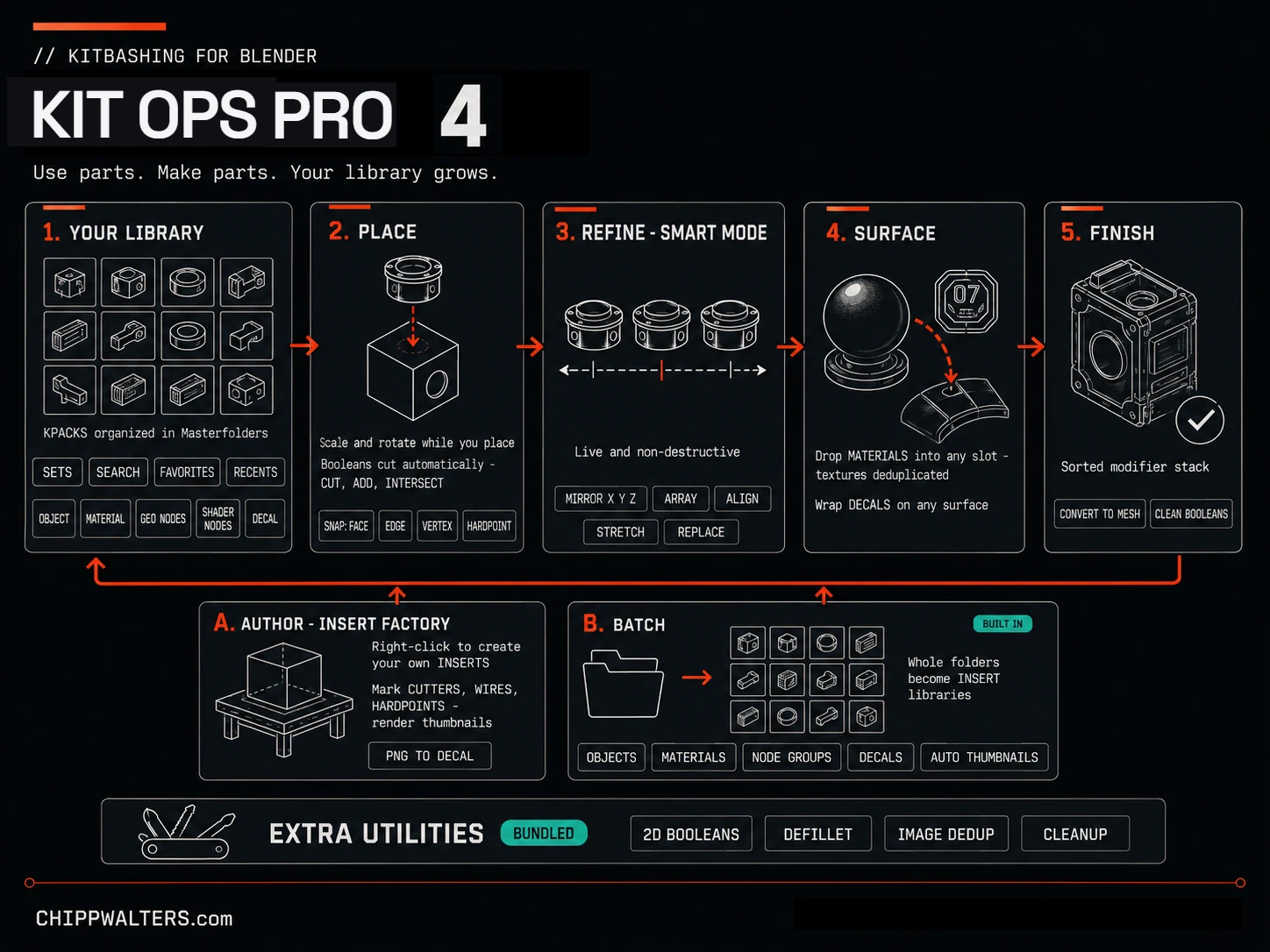
KIT OPS is built for hard-surface artists who need detail fast without giving up control. Drop reusable INSERTs onto your model, cut and add geometry in one precise move, then keep every part live until you decide to bake. It is the kitbashing workflow Blender artists have been building with for years because it holds up.
INSERTs come in five flavors — solid geometry (with automatic boolean cut / union / intersect), material-only, geometry-node setups, shader-node groups, and surface decals — organized into hierarchical libraries called KPACKs. Place a cutter part and it becomes a live, sorted boolean on the target. Work non-destructively in SMART mode — mirror, array, align, and stretch with booleans updating in real time — then bake to mesh only when you commit. Hardpoints let parts click into precise mounting spots, and a shared texture system keeps ten copies of a part sharing one set of maps so scenes stay lean.
It's especially strong for hard-surface and product design — anywhere crisp mechanical detail is the whole game. A huge ecosystem of KPACK libraries, free and paid, lives in the KPACKS Repository — or build your own in minutes.
See KIT OPS 4 in four minutes.
// kit ops 4 — overview
Detail without the destruction.
Every operation in KIT OPS PRO is reversible. Cut a panel, drop an INSERT, swap a material — and walk it all back whenever the design changes.
INSERTs — five asset types
Solids with automatic booleans, materials, geometry-node setups, shader-node groups, and surface decals — one consistent drop-and-place workflow for all of them.
Automatic booleans
Drop a cutter part and KIT OPS adds and sorts the boolean modifiers on your target for you — across 13+ modifier types, with sort-stop and sort-ignore control.
KPACK library system
Hierarchical Sets > Folders > KPACKs > INSERTs, browsed by thumbnail. Lazy-loaded on demand, so even big libraries on network drives stay responsive.
SMART mode + hardpoints
Live mirror, array, align, and stretch with real-time boolean updates. Hardpoints snap parts into precise mounting spots, with optional tag-matching so only compatible parts click together.
Authoring & FACTORY PRO
Create your own INSERTs — including boolean-cutting ones. The Factory lets you edit, re-thumbnail, and tag cutters, wires, and hardpoints. (Free can quick-create basic parts from the right-click menu.)
BATCH + Extra Utilities PRO
KIT OPS BATCH is now built into Pro — bulk-convert whole folders of objects, materials, and PNGs into INSERTs and mass-render thumbnails. Plus the bundled Extra Utilities toolkit: 2D booleans, DeFillet, cleanup, and more.
A library that grows with you.
Build kitbashing libraries from your own assets — geometry, materials, node setups, and decals — then reuse them across every project. KIT OPS treats your parts as a first-class asset, not a one-off.
- Author INSERTs from geometry — or save out materials, geometry nodes, and shader-node groups
- Turn any PNG into a surface decal, with built-in wear, grime, and damage variants
- Organize everything into searchable, thumbnailed KPACK collections
- Share libraries across machines and team members
Stay in flow, stay in control.
Designed to work the way Blender artists already think — keyboard-driven, viewport-native, and predictable. No mode-switching, no surprises.
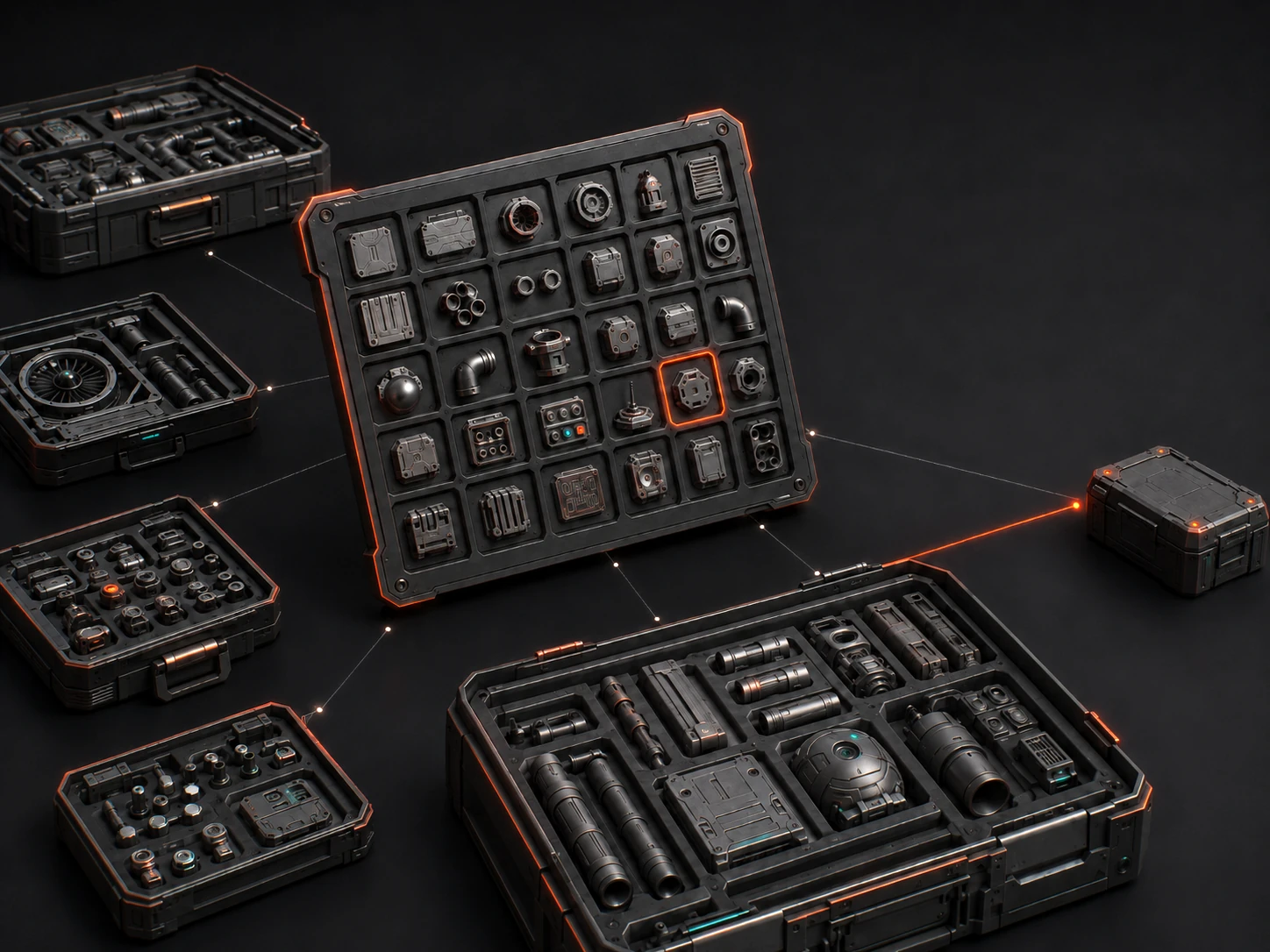
A whole ecosystem of KPACKs.
INSERTs live in KPACKs — drop-in libraries you browse as thumbnails. Beyond the parts you build yourself, KIT OPS reads any KPACK: free community packs, the bundled starter sets, and a growing catalog of commercial libraries from CHIPPWALTERS and third-party artists. Point KIT OPS at a folder and the pack just appears. Browse the whole community catalog — 60+ packs from 25+ independent creators, filterable by type and price — in the KPACKS Repository.
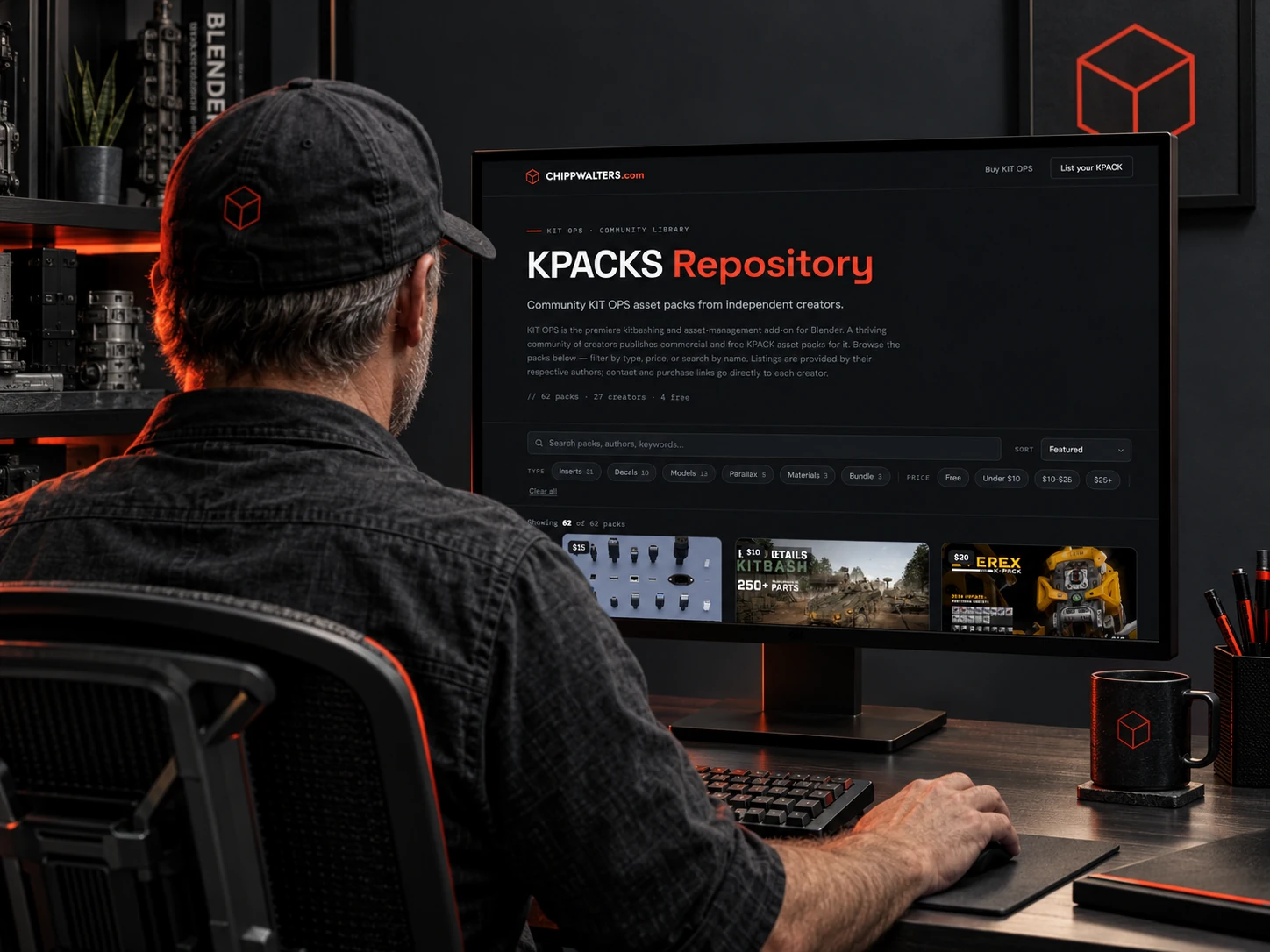
Browse the KPACKS Repository.
Every community KPACK, one directory — the KPACKS Repository at chippwalters.com/kpacks collects 60+ packs from 25+ independent creators in a single browsable gallery. Filter by type or price, search by name or author, preview each pack's renders, and jump straight to the creator's store.
Show, don't tell.
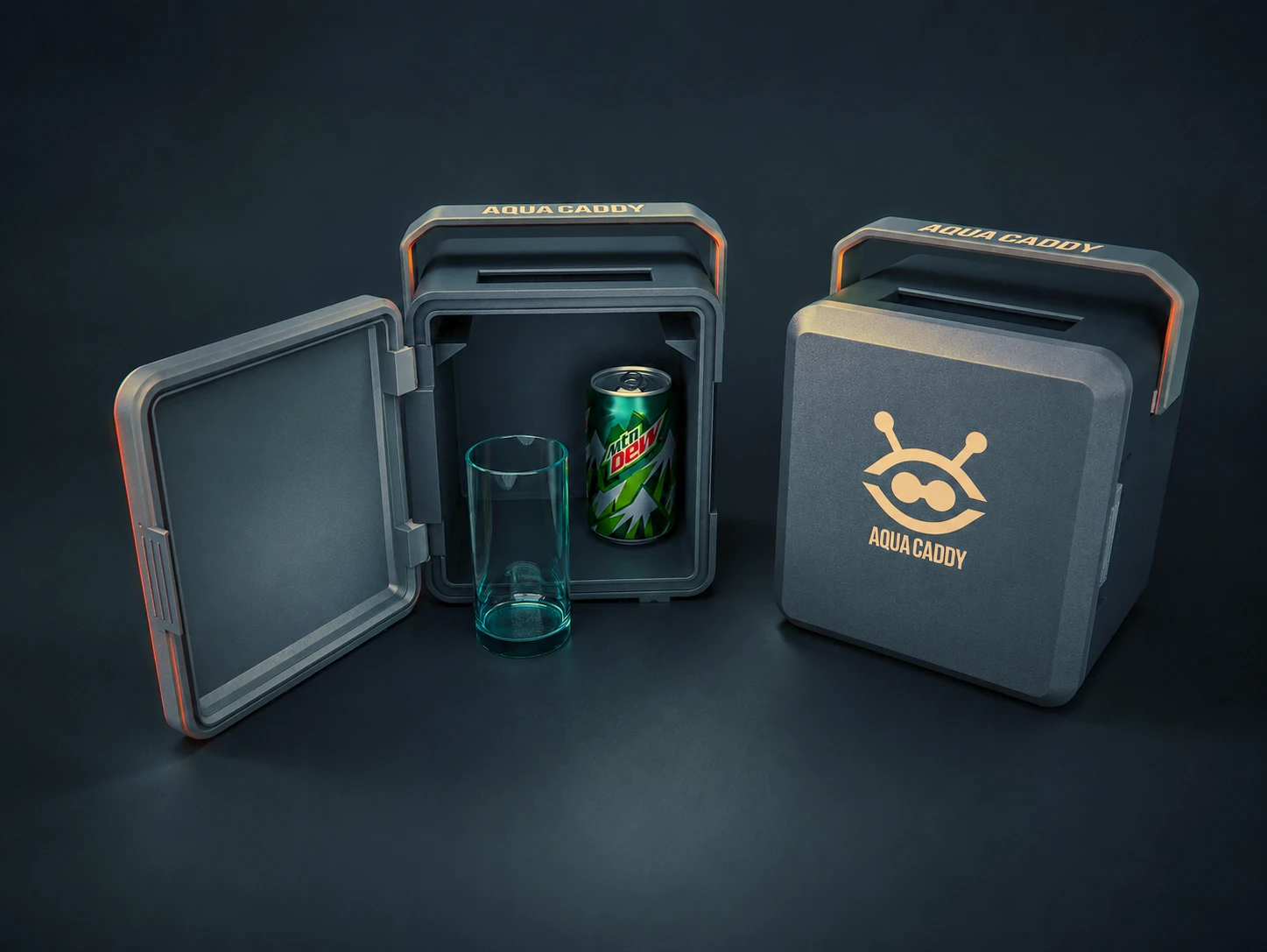
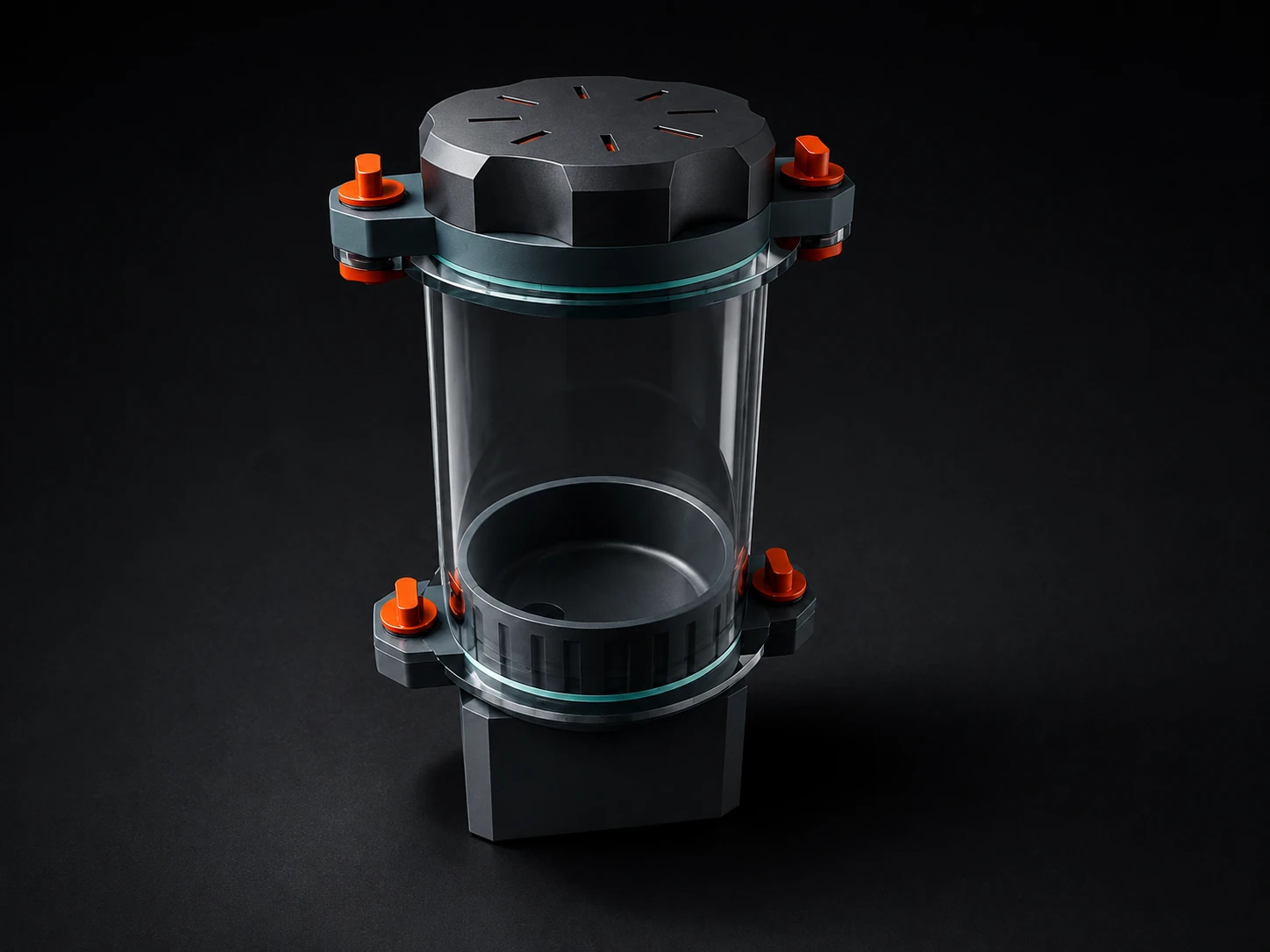
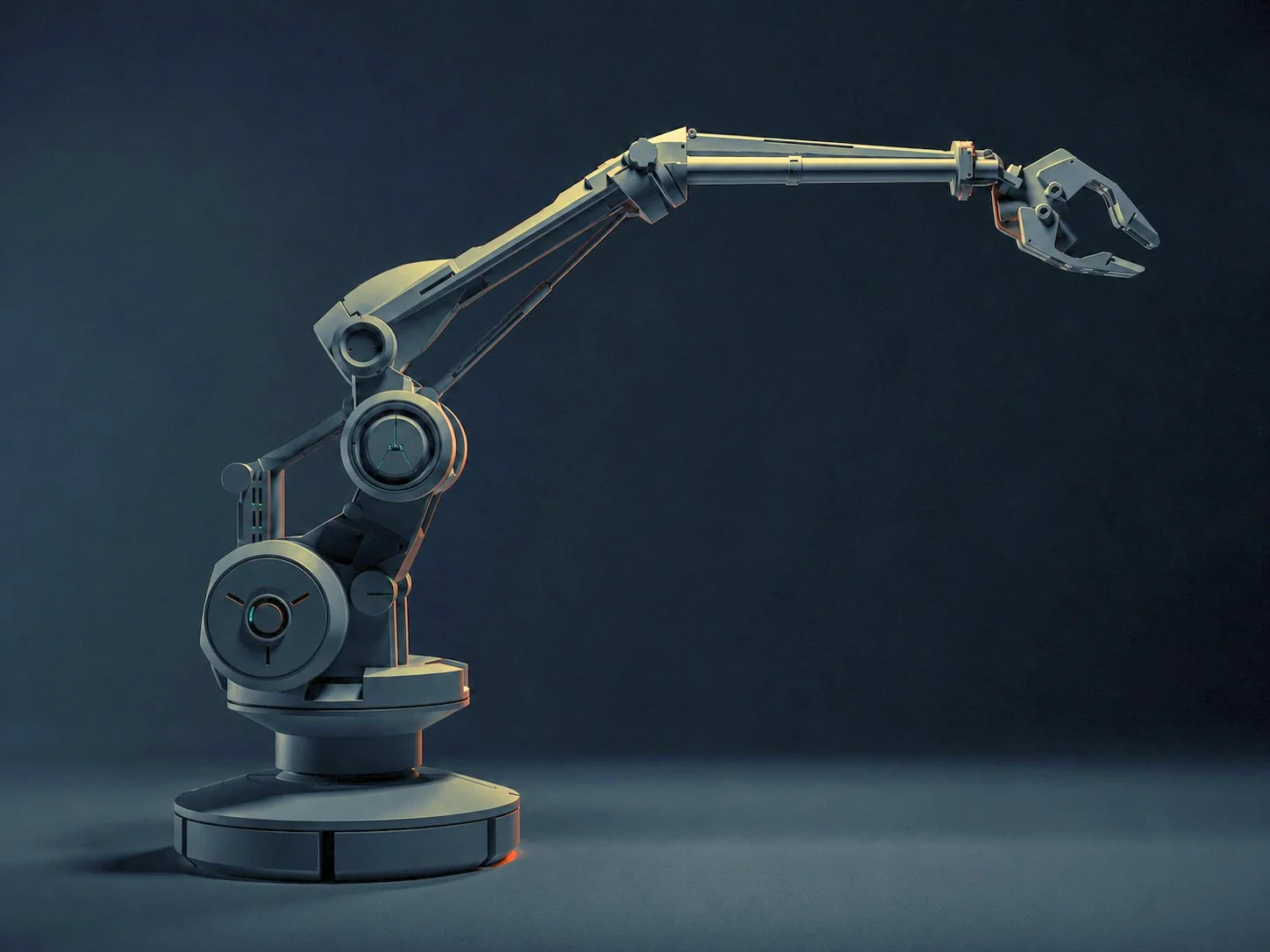
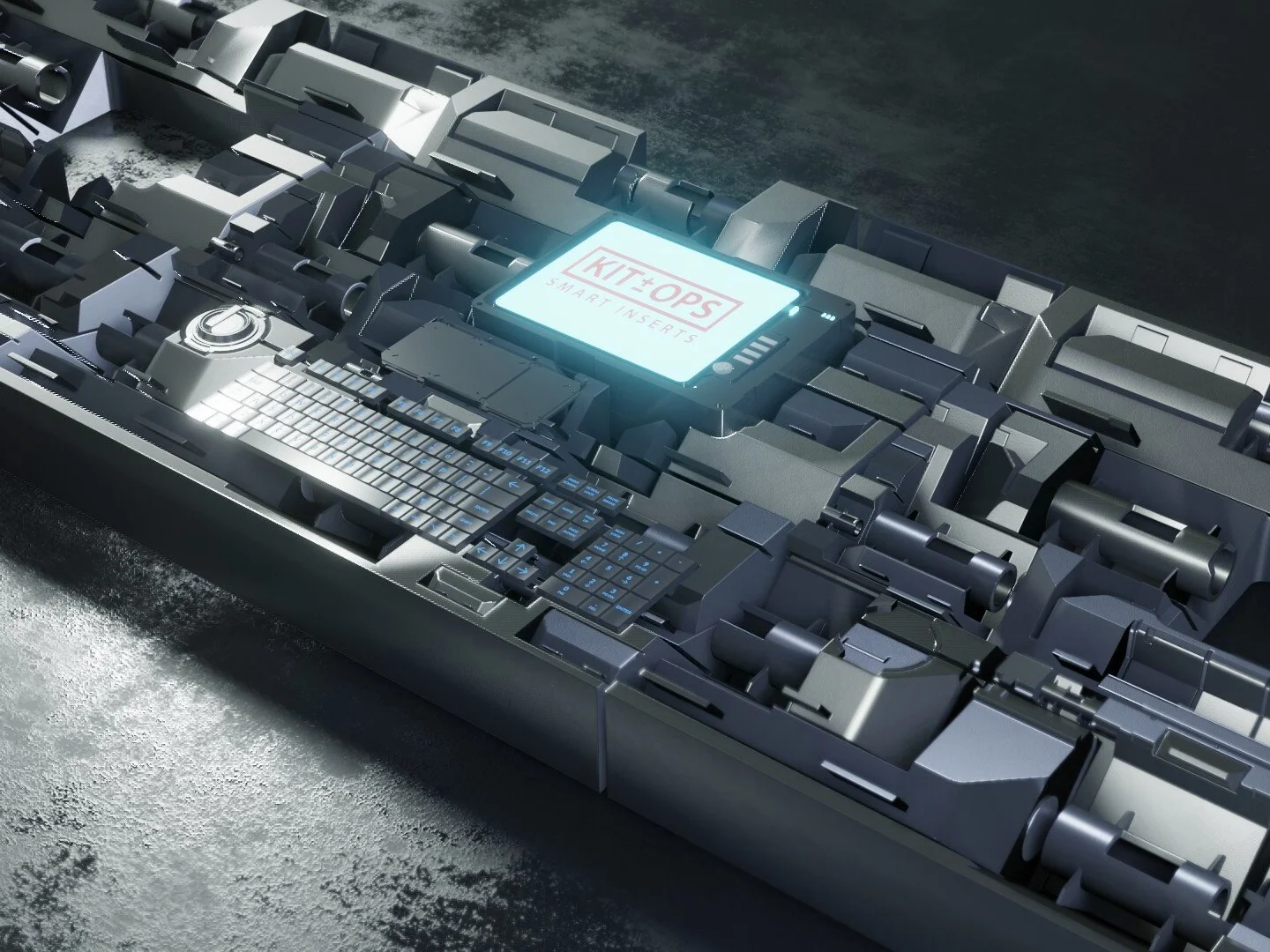
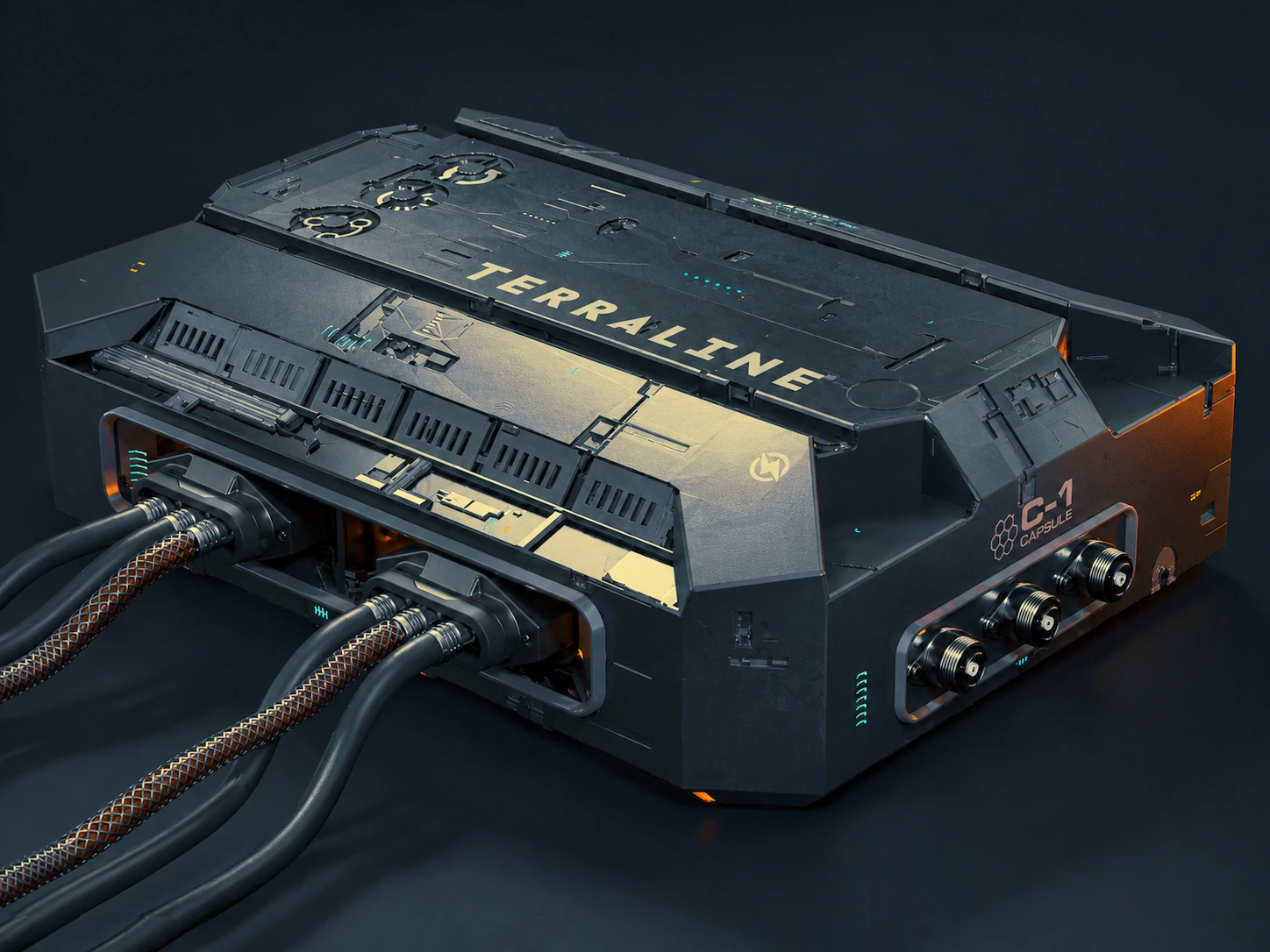
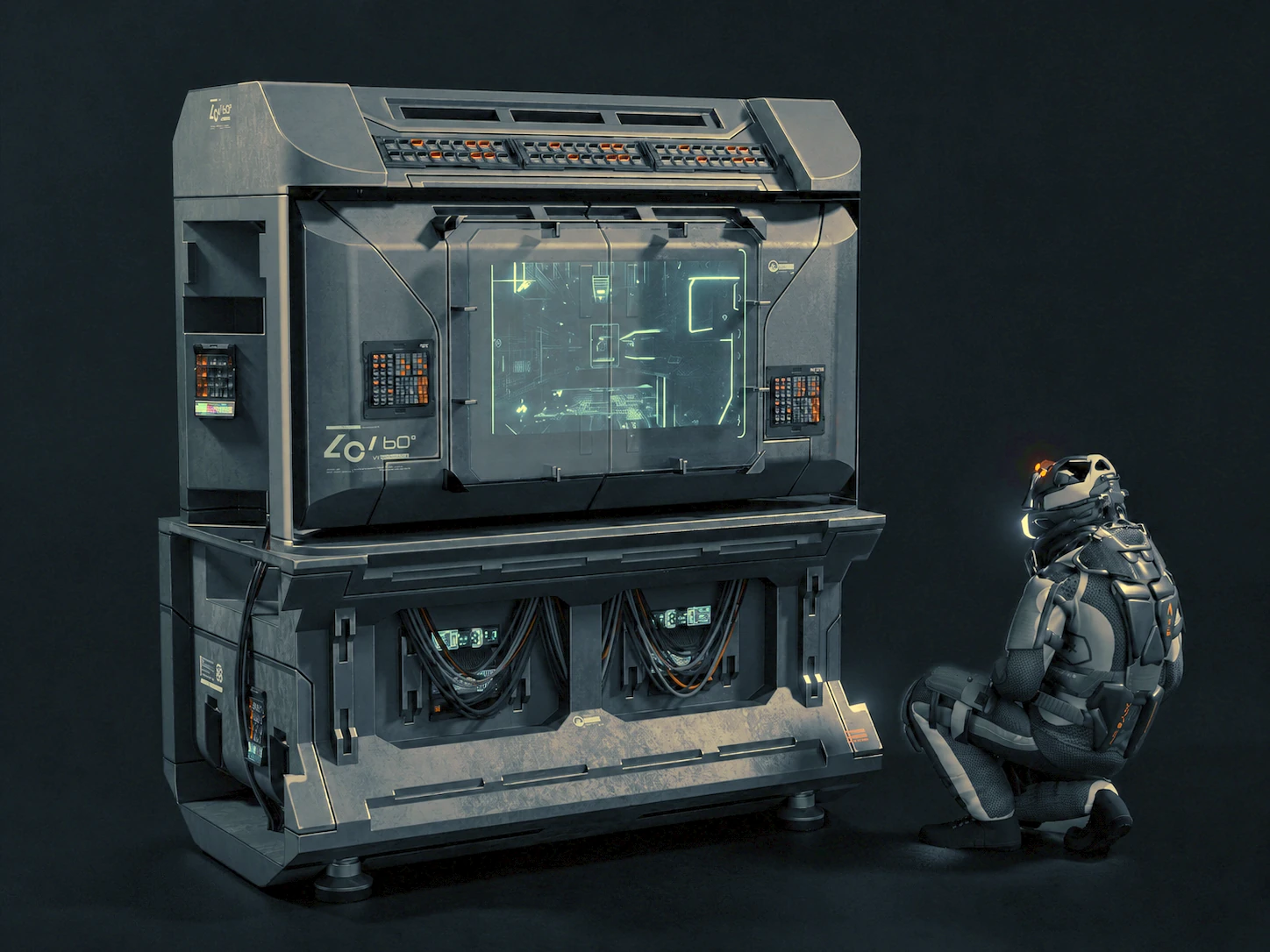
"Doesn't Blender already have this?"
Blender ships an Asset Browser — so why KIT OPS? Because the Asset Browser is a drag-and-drop library. KIT OPS is a modeling system. It predates the Asset Browser, and years on, the built-in still can't do the things below.
// re-verified against KIT OPS 4 (2026) — the built-in Asset Browser still does none of the lower rows
See it in motion.
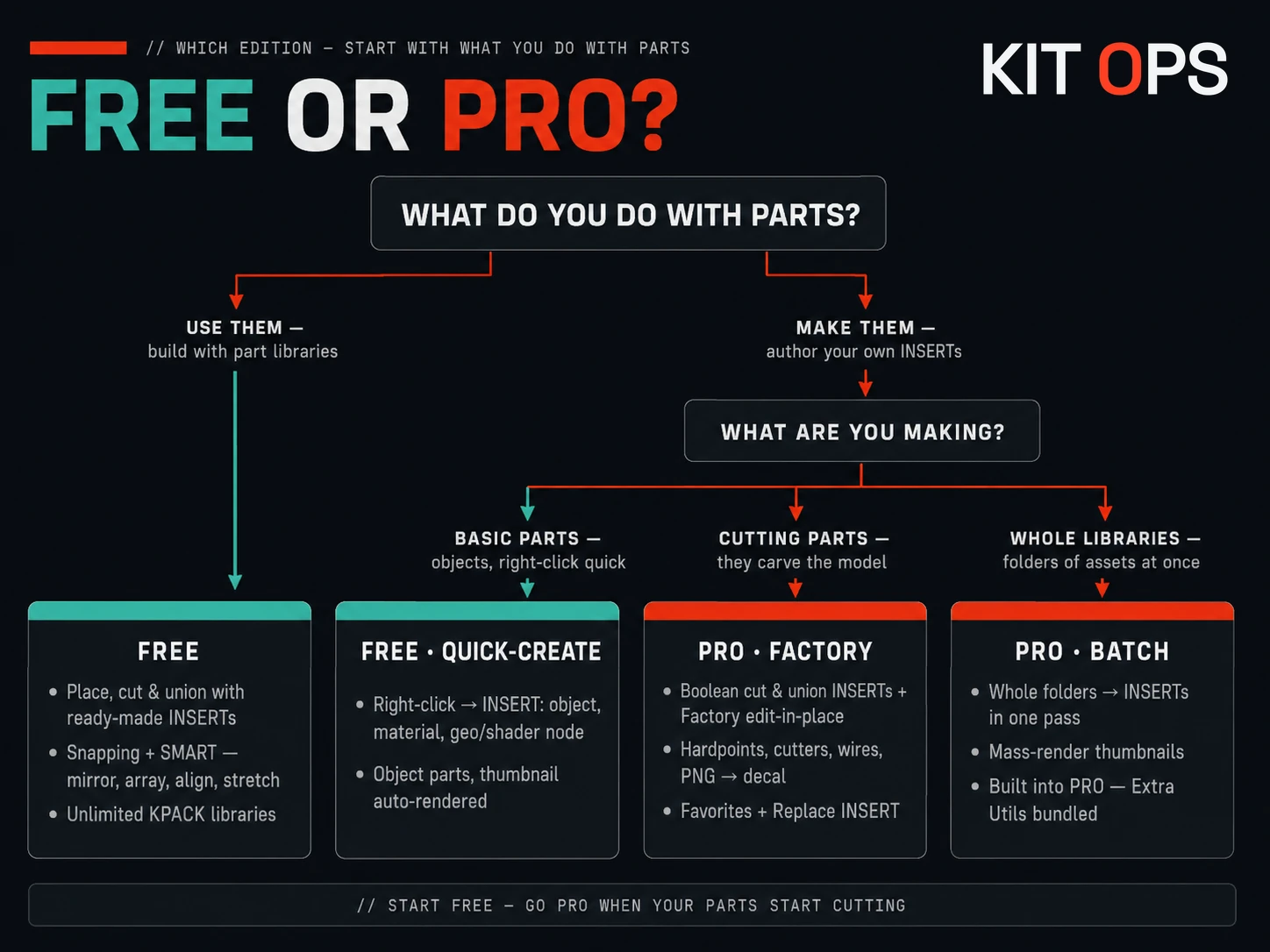
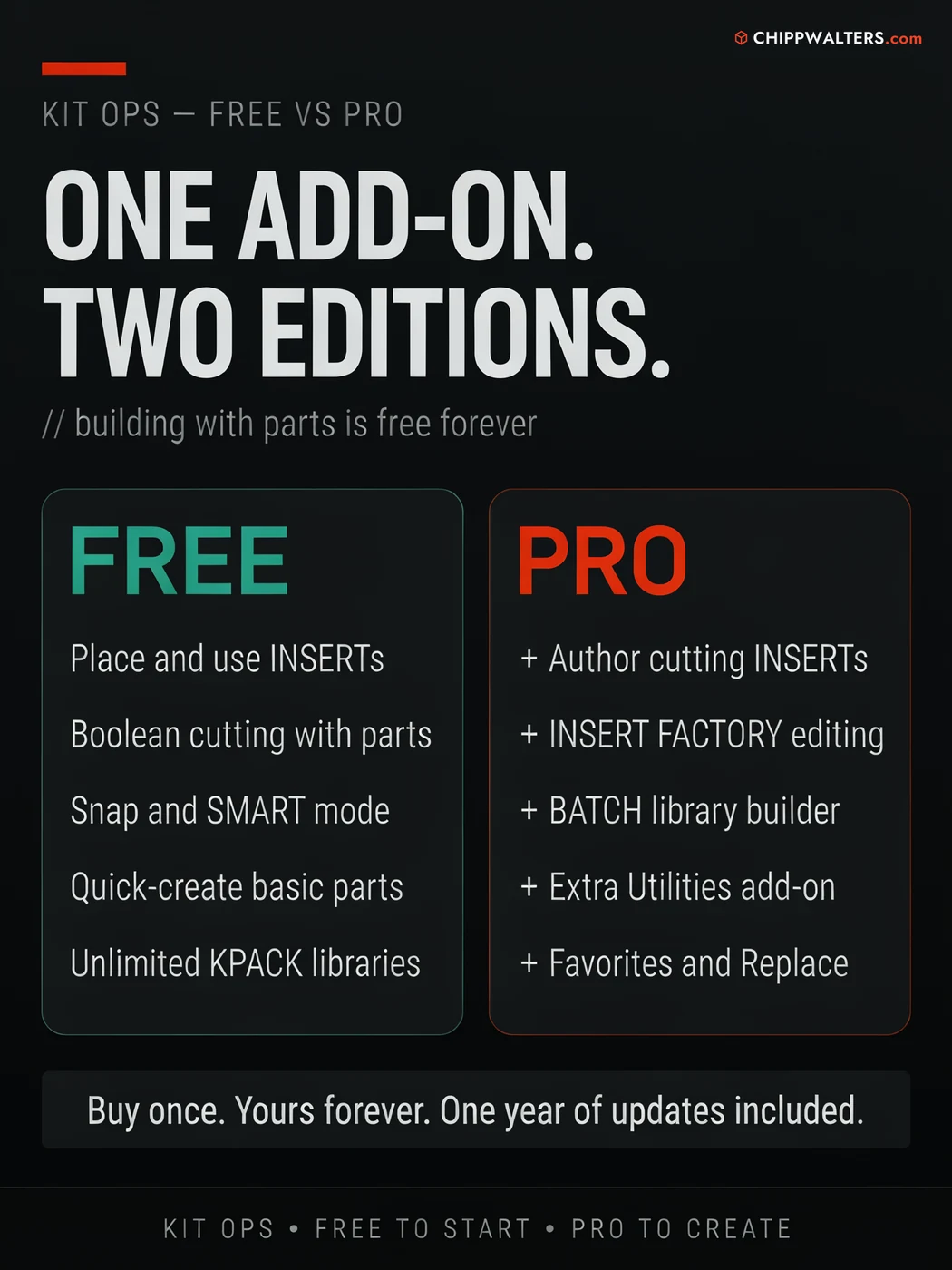
One add-on. Two editions.
Free and Pro are the same add-on — Pro unlocks the authoring engine and the productivity tools. Everything you need to build with parts is free forever. Pro is for artists who want to make parts, batch-build libraries, and work faster.
// free builds with parts and makes simple ones — pro makes cutting parts, batch-builds libraries, and adds the extra utilities toolkit
A cleanup toolkit most add-ons would sell separately.
KIT OPS PRO ships with the KIT OPS Extra Utilities add-on — a hard-surface repair and cleanup toolkit that earns its own tab. Two headliners: true 2D Booleans, and five different algorithms for removing fillets, chamfers, and radiuses from a model.
2D Booleans
Union, subtract, and intersect flat, coplanar shapes — the CAD-sketch workflow, inside Blender. Great for panel cutouts, logos, and profile work before you extrude.
DeFillet — 5 algorithms
Five different ways to remove fillets, chamfers, and radiuses — in 2D and 3D, on bevels, on faces, plus fillet selection. Un-round imported CAD and downloaded models so they're clean to re-cut.
And the rest
Origin-to-bottom, wire display toggle, vertex alignment, duplicate image and material cleanup, offset repair, and general mesh cleanup — the small jobs, handled.
Fair pricing, no surprises.
Buy KIT OPS Pro once and it's yours forever — it keeps working for as long as you use Blender. Your purchase includes a full year of free updates and support. After that year, an optional 25% renewal buys another year of the latest updates and support; skip it and you simply keep the version you have. In six years, KIT OPS has raised its upgrade price exactly once.
Support that actually answers.
KIT OPS isn't a fire-and-forget asset drop — it's the flagship of a catalog of Blender tools backed by first-class support since 2019: an active Discord where a human answers, and years of updates behind it.