Tacos
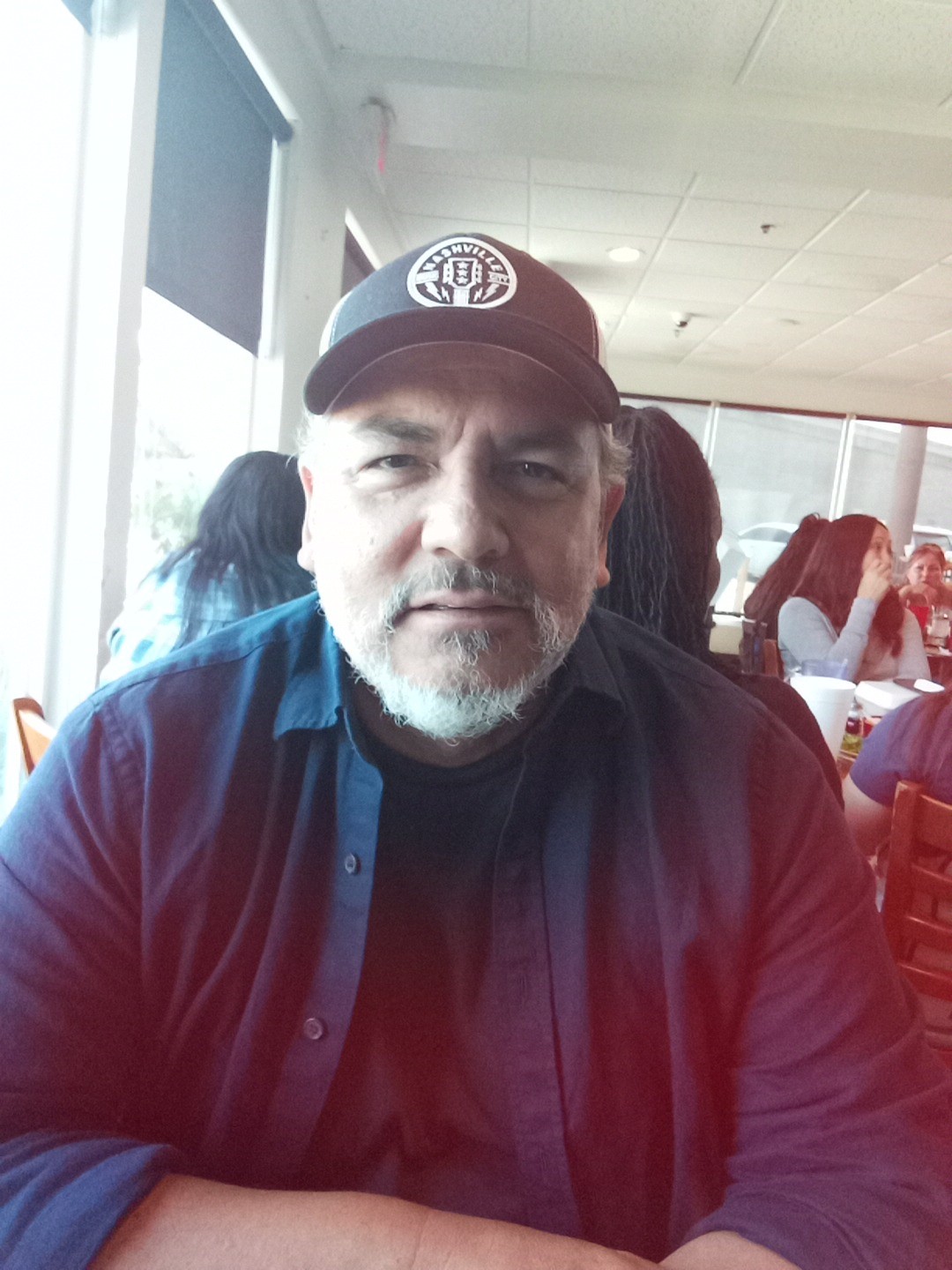
Lunch Setting
- Lunch with David Avalon at Amaya’s Taco
The Recording Device
Hardware and Setup
- Design still in progress
- With Wi-Fi, one button press does the job
- Not taken apart to rewire; an optimized system
- No power-off yet; needs adding
- No power off in system settings
- Runs a special Android version
- USB port; slot for a SIM card
Why Not Just a Phone
- Doesn’t want to carry two phones
- Other speaker records on phone with Granola, controlled from watch
- Uses it at church to record sermons for deeper analysis later
- Phone sits on the chair; still picks up the preacher across a crowded room
- Wants phone free for other uses, e.g. walking off with it
- Bee wearable: tap a button to start recording; mics in front
Ordering Lunch
- Beef or chicken taco; beef chosen
- No sour cream; enchilada ordered
Recorder Features and Pipeline
- Can insert photos during recording; Bee can’t
- Three AI modes
- Auto-uploads to your own server, e.g. over Tailscale
- Auto-transcribes, then writes three versions
- Synopsis, very thorough version, executive summary
- The three prompts live in settings; fully adjustable
- MD Docs workflow built into the server
- Generates HTML automatically; choice of about five themes
- Same HTML feature now drives the daily briefing
- Gets MD plus HTML back; styled, e.g. an IBM style
- Meeting minutes turned around in about two minutes
IBM Thumbnail Automation
- Teammate in Dublin asked for a way to automate thumbnails
- Fed in IBM brand photography guidance, which he helped write
- Added his Midjourney “filmic” cinematic prompt engine
- Had to use Adobe Firefly
- Can’t render outside IBM for IBM
- Images must be safe from copyright suits
- Firefly “finally caught up”
- Optimized filmic looks for Firefly, kept on brand
- Output: thumbnails and graphics that look like brand photographs
- Boss surprised they were AI images
- People think the work is one button press
- Scribe Board: name for the RSA workbook
- Filmic guide encodes years of film and photo knowledge
- Lens choices: portrait between 40 and 85 mm
- Film stock choices
- Lighting techniques, e.g. butterfly lighting hides nose shadow
- Cameras: Arri, Fujifilm, from shooting with them
- Took a while to build
Where the Film Pipeline Gets Stuck
Two Sticking Points
- Full command-line approach for deterministic runs
- Too many gates and steps; loses track of place
MD Questions Skill
- Asks Claude to question him; MD Docs builds a webpage
- Checkboxes, radio buttons, fields; can hold 50 questions
- “Copy Answers” button; paste back into Claude
- Good interface without building an app
Seven-Stage Plan
- Story to script, then assets
- Concept art first; pick favorites
- Storyboards and asset boards from concept art
- Choose storyboard to generate first frames
- Keep context throughout: scene and shot context when choosing
Three Films: Written, Shot, Edited
- Story you write, story you shoot, story you edit
- Audience only cares about the edited film
- Same holds in AI work
- Rendering is the shoot; unplanned good shots change the story
- Example: robot comes from above instead of below
- Editing adds sounds, cut back to kid’s face
- Plan toward the edit, but lock the story as best you can
Elements and Prompts
Images First
- Everything needs an image: character, props, location
- Elements then rendered with motion; video starts from an image
- Style and storyboards are sandbox play
- Shooting mode questions: kid’s look, outfits, how many
- Eric’s main character has 14 outfits
Only Two Prompts Matter
- Once script locks: image prompt and animation prompt
- Concept cards and the rest not needed at that stage
- Prompts come from both him and the AI, via sandboxing
Filmic Look Locks the Style
- Same story, different renders, different looks
- 1970s look example
- Kodak 100 film stock (“Vista 100”)
- Cooke lens, probably 40 mm
- Same period feel as Blade Runner
- Final script names camera, lens, lighting; these become fixed
Character Sheets
- Asset, character and location sheets are the elements
- Four images per character, tested by Eric and him
- Head close-up, profile or quarter profile, back, front
- Example: Max, the boy in Mission to Avalon
Motion Prompting
- Eric is a “motion master”; learned through heartache
- Say “the camera rotates around Camille,” not “Camille moves”
- End result: image prompt plus motion prompt
Writing With the Shoot in Mind
- Proposed three parts; first is setup: script and asset sheets
- Story written knowing how it will be shot
- Example short film shot in his car, cameras mounted outside
- Other speaker lacks that film knowledge
- Story intent drives camera choices
- Kid feeling foreboding: low angle, maybe fisheye
- Idea: wizard asking camera and intended feeling per scene or shot
- He already generates prompts in the script
Story to Shooting Script
- BoxBox handles beats first: “the algebra of storytelling”
- Story Sherpa works out the beats
- Then a shooting script that speaks prompt language
- Only language the screen reads
- Example: “camera moves around the element”
- Like translating English into Spanish
- Parser converts script to prompt script
Asset Breakdown
- Script ingested; broken into scenes and elements
- Three element types: character, location, prop
- Other speaker’s rule: asset only if in more than one shot
- A pencil in one shot needs no asset
- His logic: objects the camera must look at need detail
- A gun that’s mentioned matters
- Eric’s guitar is a specific guitar; a character
- Agreed: background desk items need no assets
- Unless shown across shots needing consistency
- R1 on a table is significant; diner location needs a look
- Scripts converted to Final Draft format
Choosing a Script for Today
- Won’t use the script already sent: too much computer graphics
- Another script has concept art done already
Batch Versus Shot by Shot
- Other speaker’s plan: batch stages with review
- All storyboards, all first frames, render images, render videos, assemble
- Question: go shot by shot instead?
- Human touch needed; can’t hit a button and walk away
- Must direct, like Scorsese
- BoxBox tries to encode that human input
- Why the shooting script is all he cares about: it locks everything
First Frames Versus Elements
- Doesn’t think in first frames anymore; sometimes mixes
- “Elements are king”
- First frame sees nothing behind or in front
- Element-based lets the camera fly around
- Explains Eric’s consistent rooms
Eric Coming Around
- Eric doesn’t use skills yet; learning
- Sent a Suno slider tip
- “Tortilla skill” inside joke: a skill that does nothing
- Now uses his BoxBox prompt; saves time
- Wants Eric to break it and suggest ten improvements
- Like the other speaker’s CD Factory idea
T-Shaped Designer
- Horizontal breadth, vertical depth: photography, design
- “Jack of all trades, master of jack of all trades”
Recorder Wrap-Up
- 2,264 hours of recording left
- Leaving it on until they reach the other speaker’s house
- Suggestion: add video, like the photo feature